Updated Nov 5, 2026
Scary voice changer
Scary Voice Changer
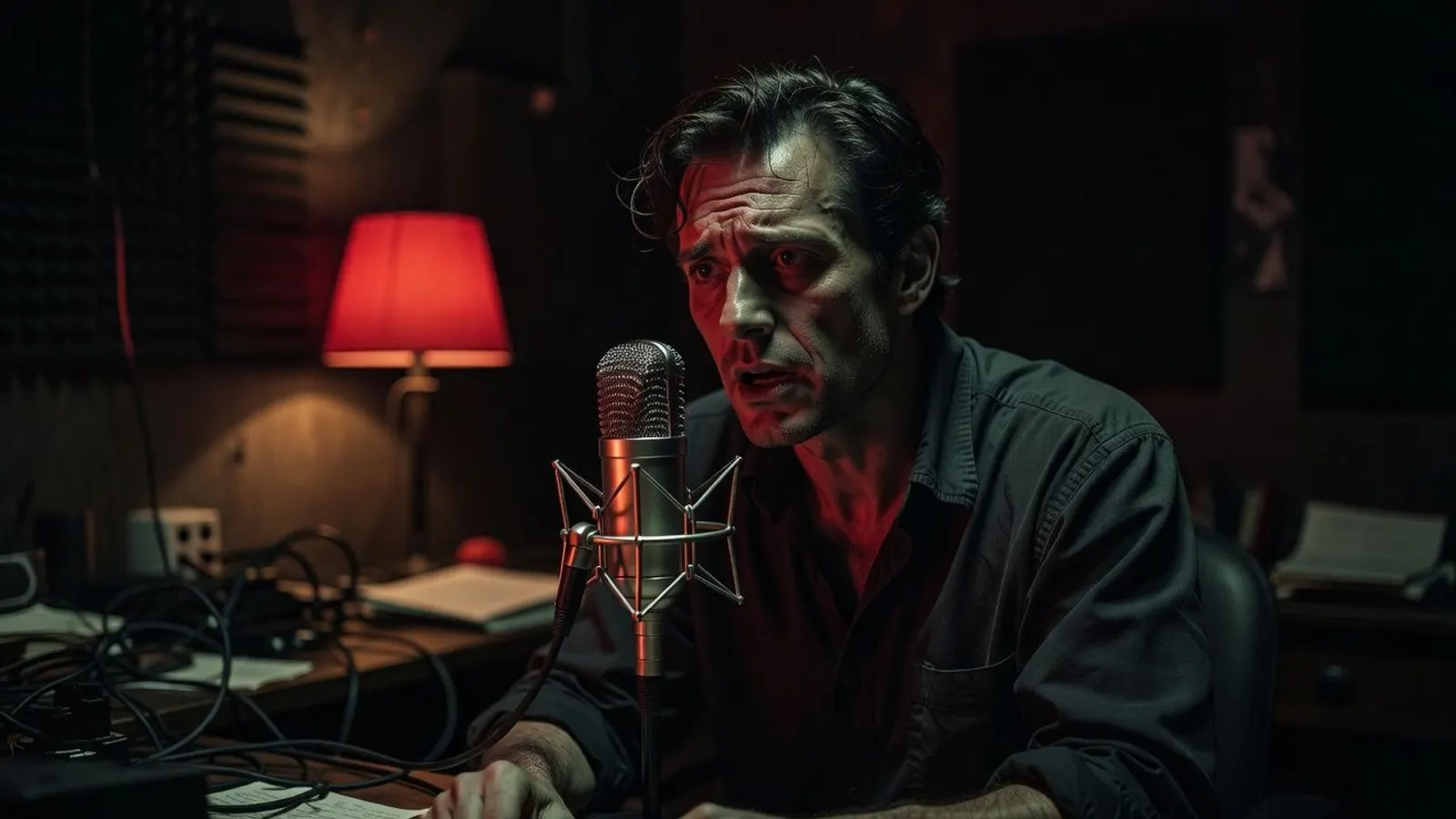
This scary voice changer works on your own voice. Record a line or upload a clip, then hear it come back as a demon, a ghost, a voice on a found tape or a call from the cellar, and switch effects as often as you like. It all runs in your browser, so the recording never leaves your device.
Record or drop a clip to make it scary
MP3, WAV, M4A, OGG or WebM · up to 3 minutes · 25 MB
Ready
Your voice · Demon
Free · runs in your browser · nothing is uploaded
Script ideas
Lines to read into the mic
In a scary voice changer your own voice is the instrument, so the reading matters as much as the words. Each card says how to deliver the line and which effect finishes it; tap one to load that effect, then read it aloud.
“You can stop running. I was never behind you. I was always waiting at the end of the road.”
Read it slowly, chin down, a hand’s width from the mic. The demon voice changer starts at Demon 70%.
“Don’t turn on the light. I like the way you look when you can’t see me.”
Whisper it almost against the mic so the breath carries. Ghost at 70% is the classic ghost voice changer sound.
“If you found this recorder, do not go back to the cabin. And if it calls you in my voice, do not answer.”
Read it flat and quick, like a hurried message, an arm’s length from the mic. Analog at 60%.
“Come up the steps. All the way up. The bowl is on the table, and the door has been open for hours.”
Project it as if calling down a stairwell, with a beat between sentences. Echo at 45% makes a Halloween voice changer for the porch.
“Sleep now, the candles are out. Sleep now, the door is open. Sleep now.”
Read it in one even breath. Reverse at 80% turns the words into something almost like a language.
“Excuse me. Sorry. I think I’m in the wrong body. No… no, this one will do.”
Start polite and light, end low and slow. Demon at 100% for the turn; stretch the last words.
Effect recipe
What the scary voice changer does to your voice
The scary voice changer opens on Demon at 70%. Your clip runs through the same Web Audio chain as the preset voices (the player here uses one), entirely inside your browser. At this setting:
Undertaker
- 1
Slow the tape
0.79×, about −4.1 semitonesPitch falls because playback slows, so the clip grows too: ten seconds of speech plays for about 12.7, plus a 1.2-second tail.
- 2
Put a chest under it
+8.2 dB below 220 HzPhone and laptop mics record a thin voice. A low-shelf boost gives it the weight of a much bigger body.
- 3
Grind the edges
drive 27, 5.2 kHz low-passA soft-clipping waveshaper, oversampled four times, turns consonants and breath into rasp; the low-pass trims the fizz a cheap mic adds.
- 4
A second, slower mouth
half-speed copy, 900 Hz, ~36%A copy at half the main speed, an octave under your lowered voice, filtered below 900 Hz. It falls further behind with every word, like something lower dragging after you.
- 5
Stone hall, then a limiter
2.8 s reverb, ~46% wetA long, dark tail puts you in a stone room. Then a −6 dB, 12:1 limiter holds the peaks, so a shout into the mic doesn’t crack the WAV.
How it works
How to use the scary voice changer
- 1
Record or upload
Press Record and allow the mic (takes stop at 60 seconds), or drop in an MP3, WAV, M4A, OGG or WebM clip of up to 3 minutes and 25 MB. No mic? “Try a sample” loads a dry read, so you can hear the scary voice changer before you record anything.
- 2
Pick an effect and a level
Demon, Ghost, Analog, Echo or Reverse, at 0–100% intensity; Raw plays the clip untouched for comparison. Switch and replay as often as you like: the scary voice changer reworks the same take each time, with no re-recording.
- 3
Download the WAV
Download a WAV with the effect baked in and drop it into your video, game or audio drama.
Use cases
Where a scary voice changer earns its keep

Horror shorts and TikTok
Voice your own creature with the scary voice changer instead of hunting for a stock clip. Export the WAV, lay it under your clip in any editor and post as usual.

Halloween parties
A Halloween voice changer for the host: record a welcome, run it through Echo or Demon and play it by the door for guests who came to be spooked.

Games, mods and tabletop
Record NPC lines or the game master’s demon yourself. Reuse the same effect and percentage and the character sounds the same every session.

Audio drama and podcasts
Give the ghost, the creature and the found tape each their own effect, and one performer with a scary voice changer can carry the whole cast.
Tips
Recording tips for a scarier take
- Record in a quiet, soft room; a wardrobe full of coats beats a tiled bathroom. A scary voice changer adds its own space but can’t remove yours.
- Speak slower than feels natural. A demon voice changer slows the clip further, and slow words survive heavy effects.
- Keep an even distance from the mic; leaning in on one word makes its grind far louder than the rest.
- Whisper for Ghost, project for Echo, read flat for Analog. The effect finishes a performance; it doesn’t replace one.
- Trim long silences before you upload: Demon at 70% stretches every pause by more than a quarter.
FAQ
Scary voice changer FAQ
Free scary voice changer: record or upload your own voice and play it back as a demon, a ghost or a found tape. Runs in your browser; nothing is uploaded.
Keep exploring
More scary voices

Your voice, only worse
Record one line, play it through Demon at 70%, then try the other four effects on the same take.