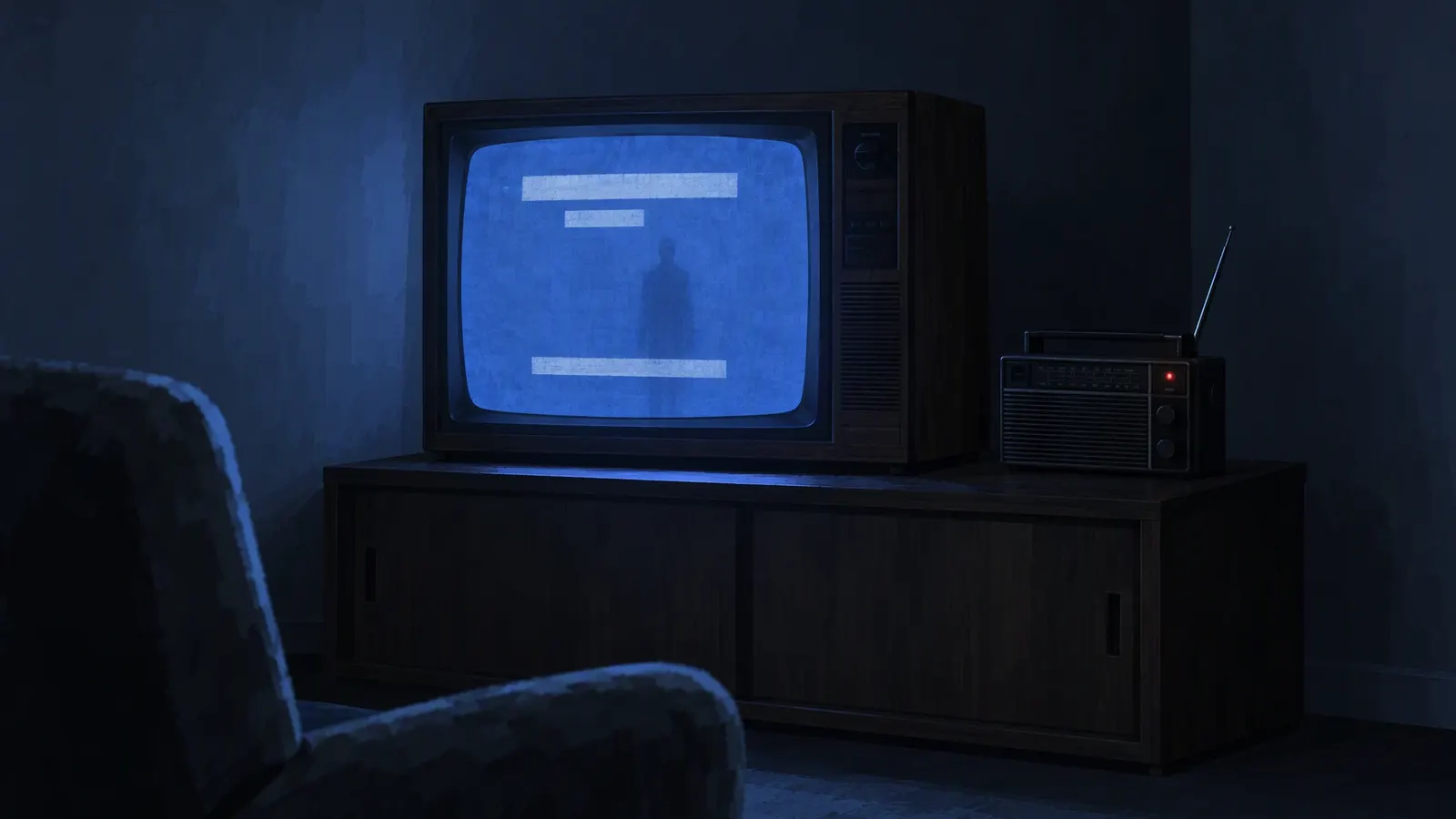
Learning how to make analog horror is mostly learning restraint. The genre, an offshoot of found footage that lives mainly on YouTube, takes its name from the tagline of Kris Straub's web series Local 58 (2015): "Analog horror at 476 MHz." It borrows the authority of old media. A test card or a VHS training tape is supposed to be dull and safe, so when one starts addressing you directly, the dread outlasts any jump scare.
This analog horror tutorial covers how to make an analog horror video from premise to upload; the narrator has its own deep dive in the analog horror voice guide.
1. Learn the rules of the genre
- Analog horror pretends to be real media. Broadcasts, home recordings, corporate tapes. Most stories are set between the 1960s and the 2000s.
- It implies instead of showing. Cryptic messages and obscured events let viewers imagine something worse than you could film.
- The format is the disguise. The scariest moment is when something official breaks its own rules: the forecast that names your street, the host who stops smiling.
- The audience assembles the story. Hide clues in background text, timestamps and single frames, and reward viewers who pause.
2. Find a premise: analog horror ideas
A strong analog horror premise is one ordinary format plus one wrong detail. Pick a format nobody has filmed to death, then decide exactly how it breaks.
- Format
- Late-night weather report
- What goes wrong
- The overnight forecast lists streets instead of temperatures, and one of them is yours
- Format
- Night-shift orientation tape for a grocery store
- What goes wrong
- The safety rules cover an aisle that is not on the floor plan
- Format
- Children’s craft show
- What goes wrong
- The supply list starts asking for things from the viewer’s house
- Format
- Museum audio tour cassette
- What goes wrong
- The narrator describes an exhibit in the room you are standing in
- Format
- Community bulletin on public access
- What goes wrong
- The missing-persons list grows each time the loop repeats
- Format
- Home-shopping channel
- What goes wrong
- Callers keep buying an item the presenter refuses to describe
Before you write a line, write down for yourself what the threat is, what it wants and which rule keeps the viewer safe. You will show a fraction of it; the rest keeps every clue consistent.
3. Write the script in segments
Analog horror rarely tells a story scene by scene. It strings together segments, each a single broadcast item: a notice, an advert, a dead channel. A four-part shape works for a first episode:
- Normal. Establish the format so well that viewers relax. Keep it boring on purpose.
- Glitch. One detail is wrong, and nobody on screen notices.
- Intrusion. The format starts speaking to the viewer, or something else takes over the signal.
- Aftermath. Back to normal programming, except it isn't quite.
Keep each spoken segment short, give the narrator procedures instead of feelings, and end segments abruptly. For pacing a story aloud, see how to tell a scary story.
4. Build the look: VHS, CRT and broadcast graphics
Frame for 4:3. Old television was nearly square. Compose for 4:3, even if you later place it in a widescreen or vertical canvas.
Soften, then damage. Lower the resolution, lift the blacks, pull saturation down and let colours bleed. Then add noise, tracking lines, slight jitter and the band of distortion along the bottom of a VHS frame. Most editors have noise and glitch filters, and some ship VHS looks; CapCut, for example, offers VHS effect templates. Use them lightly: a picture too damaged to read loses the viewer.
Make the graphics yourself. Title cards, "please stand by" slates, colour bars, station idents and text crawls carry half the information in analog horror. Flat backgrounds, plain period fonts and stiff layouts look right. Degrade them with the footage so they belong to the same tape.
Invent everything official. Station names, channel numbers, agencies and logos should be fictional and unlike any real broadcaster.
5. Pace it like found footage
- Hold shots too long. A static frame that outlasts comfort makes viewers search it.
- Cut on the signal, not the story. Drop to bars or black mid-sentence.
- Let text speak. A silent card with one line can carry more dread than narration.
- Repeat with one change. Show a segment twice; the second time, something in the background has moved.
- Go easy on flashes. Rapid strobing can hurt viewers with photosensitivity.
6. Sound design and the voice
Sound is where a cheap analog horror production becomes convincing.
- A bed under everything. Tape hiss and a low electrical hum run under the whole video, silent title cards included.
- Room tone and ambience. In the Sound effects tab of AI Scary Voice, describe a sound, such as an old television humming in an empty living room, and turn on Seamless loop. Each generation gives up to two takes; for a clean loop, use the raw MP3 download.
- Music that sounds licensed decades ago. A cheerful library jingle turns sinister once it warbles and slows.
- A flat narrator. A calm, emotionless text to speech read in a narrow, noisy band: in the studio, the Broadcast voice with the Analog effect. Matron suits a children's host who is slightly too gentle:
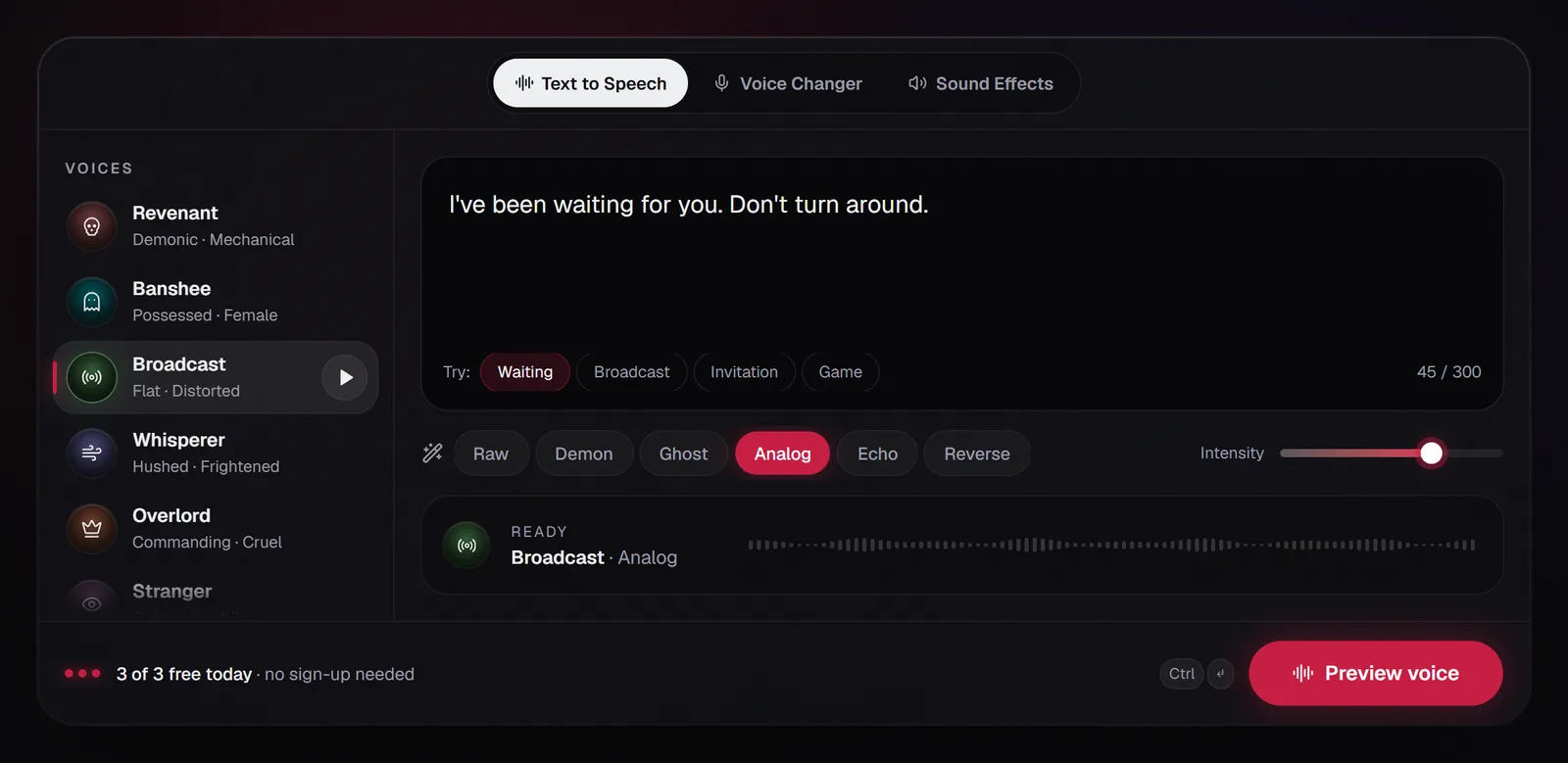
Every visitor gets 3 free generations a day of up to 300 characters, with no sign-up, so one segment per clip is a natural unit. Settings and mixing tips are in the analog horror voice guide; the analog horror voice generator opens with this voice and effect set.
7. Fake emergency broadcasts: design your own tone
Emergency alert segments are an analog horror favourite, and the one place where copying the real thing is a bad idea. In the US, 47 CFR § 11.45 says no person may transmit the Emergency Alert System codes or Attention Signal, "or a recording or simulation thereof", outside a real emergency, an authorized test or the public service announcements the rules allow. The FCC's 2019 enforcement advisory says a simulation includes sounds an average listener could reasonably mistake for the real codes or Attention Signal, and cites forfeitures against Viacom and ESPN for EAS tones in a movie promo carried on cable networks. The same advisory says general alarms, bells, klaxons and sirens are not simulations. This is a summary, not legal advice.
So give your fictional world its own alert sound:
- Steer clear of the real structure. The advisory describes three bursts of data tones followed by an Attention Signal made of two tones played at once. Build nothing that resembles either.
- Give it an identity. A falling three-note chime, a detuned organ chord, a music-box phrase, or a sound you describe in the Sound effects tab and run through the Analog effect.
- Name it yourself. Invent the issuing agency and the alert's name, too.
8. Edit and export
Stack picture, graphics and voice, with the hiss bed, room tone and music underneath. Degrade sound and picture by roughly the same amount: a pristine voice over ruined footage sounds pasted on. Add captions; on-screen text is part of the look. Export the finished analog horror video at normal modern quality, since the damage is already baked in. For a vertical cut with captions, see how to get a scary voice on TikTok.
9. Publish it as fiction
Label your analog horror as fiction in the title or description, and keep it a series: a consistent fictional station gives viewers a world to return to. Check each platform's rules on AI content. TikTok, for example, requires a label on AI-generated content with realistic audio, and does not allow AI-generated content that shows fake authoritative sources or crisis events. Under AI Scary Voice's terms you can use the audio in your own projects, including monetized videos, but not to impersonate real people or to frighten anyone who has not agreed to it.
FAQ
What app do people use to make analog horror?
No single app. You need a video editor with layers and noise or blur filters, an image editor for title cards, and a source for the voice and sounds. The analog horror look comes from your choices, not the software.
How do you make analog horror on mobile?
Most phone video editors have what analog horror needs: layer footage and title cards, add a VHS or noise effect, and import the narration as an audio file. AI Scary Voice runs in a browser, so the voice needs no install.
What are good analog horror ideas?
Take a dull, official format nobody connects with horror and give it one wrong detail: a forecast that lists streets, a training tape for a room that does not exist, a craft show that asks for something from your house.
Can I use the real emergency alert sound in analog horror?
Don't. US rules prohibit transmitting EAS codes or the Attention Signal, or simulations of them, outside real alerts and authorized tests, and the FCC has fined networks over alert tones in promos and TV shows. Design your own tone instead.
How do people make analog horror faces?
Analog horror faces usually come from changing a photo only slightly: eyes a little too far apart, a smile a little too wide, a face that never blinks. Low resolution and harsh contrast hide the edits, and showing the image for less time than viewers want makes it stick.