This is the reference page for the six scary voice effects in the studio. For a beginner walkthrough, start with how to make a scary voice. Here each effect is taken apart stage by stage, with the settings it actually uses and the reason each stage reads as horror.
Two rules apply throughout. The intensity slider scales most settings, so numbers below are quoted at 70% unless stated. And every speed change works like a tape machine: slow the playback and pitch and pace fall together. Each chain ends in a limiter so loud peaks never clip.
Raw: the control sample
Raw does nothing, which makes it the yardstick for the other scary voice effects: it tells you whether a voice and script are scary before any processing. It is also what the MP3 download contains, so start here if you plan to build your own creepy voice effect in an editor.
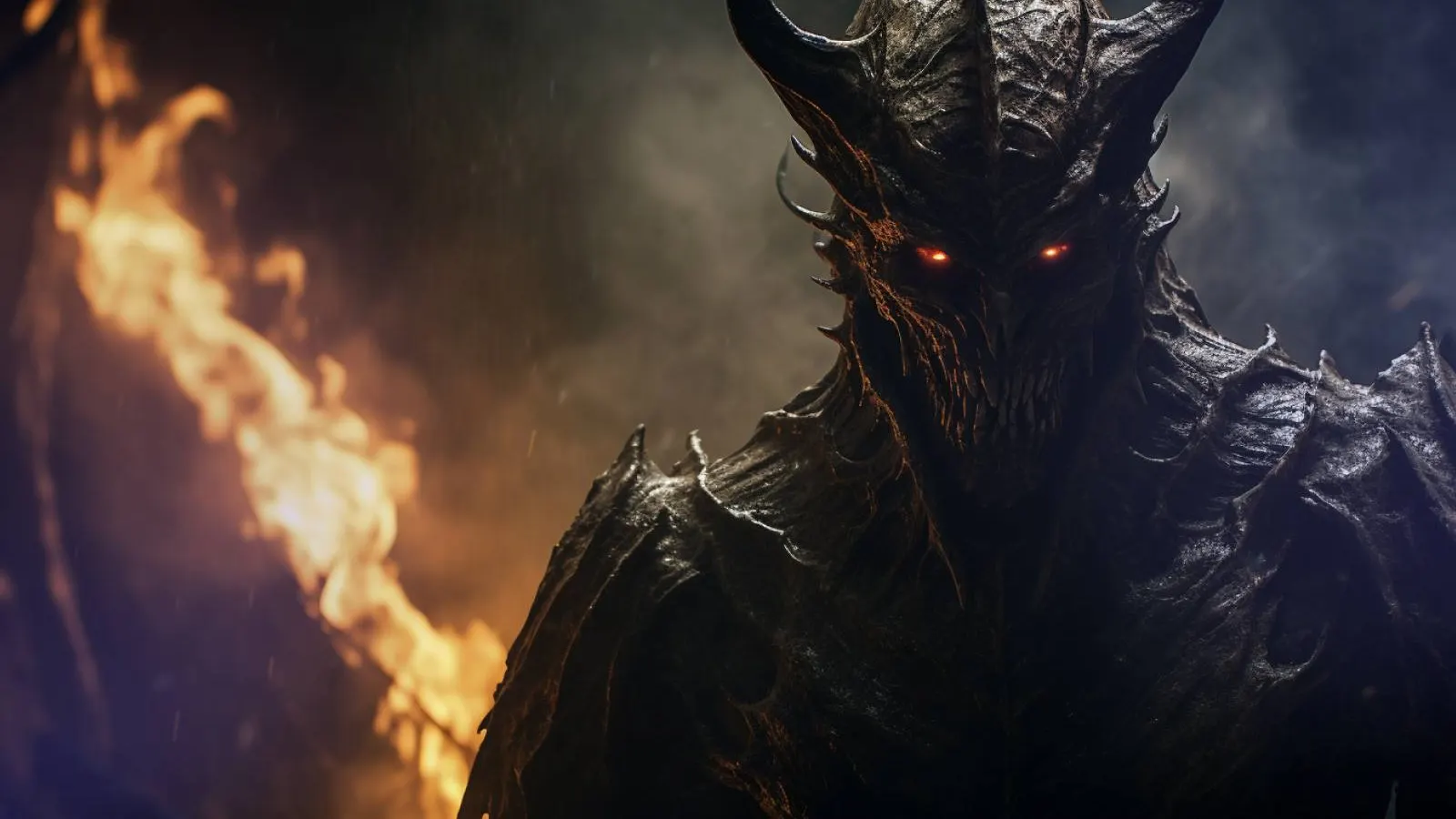
Demon: size, grit and a second mouth
Demon is the heaviest horror voice effect in the set. At 70%:
- Speed 0.79×, about 4.1 semitones down, and roughly 27% longer, which reads as age and weight.
- Low shelf at 220 Hz, plus 8.2 dB: the chest of a much bigger body.
- Waveshaper distortion, drive 27 on a range of 6 to 36, with 4× oversampling so the grit stays smooth instead of whistling.
- Low-pass at 5.2 kHz, which stops the distortion turning into fizz.
- A 2.8-second hall at a wet level of 0.46, plus a half-speed copy filtered below 900 Hz at about 0.36. That copy sits an octave under the voice and drags slightly behind it.
The ear hears size, damage and two sources at once, in a stone room. At 100% the drop reaches about 6.2 semitones.
Suits bosses, possession and anything with claws: see the demon voice generator, the monster voice generator and the demon voice guide.
Ghost: thin, wet and slightly out of tune
Where most scary voice effects add something, Ghost works by taking things away. At 70%:
- High-pass at 490 Hz removes the chest. A voice with no low end has no body.
- Low-pass at 7 kHz softens consonants, so words feel breathed rather than spoken.
- Dry voice down to about 0.38, reverb up to about 0.85, with a 4.5-second tail. There is more room than voice.
- A detuned double, 1.2% fast (about a fifth of a semitone sharp), 45 ms late, at about 0.23. Not quite unison, so there seem to be two of it.
- Speed 0.97×, about half a semitone down.
Suits hauntings and voices from the next room: see the ghost voice generator.
Analog: the broadcast that should not exist
Analog is the scary voice effect of found footage. At 70%:
- High-pass at 546 Hz, low-pass at 2,760 Hz. Only a narrow band survives, like a phone line or a worn VHS tape.
- Waveshaper distortion, drive 62 on a range of 20 to 80, much harder than Demon because it imitates broken equipment, not a throat.
- Compressor at minus 24 dB, 8:1. Every word ends up equally loud, so no emotion is left.
- Hiss band-passed at 2.5 kHz, at about 0.033: this was recorded somewhere else, some time ago.
- Speed 0.96×, about 0.7 semitones down.
Suits analog horror and emergency alerts: see the analog horror voice generator and the analog horror voice guide.
Echo: a cellar that answers back
Echo leaves the dry voice untouched and builds a space around it. At 70%:
- Delay of 0.36 s, feedback 0.475, so each repeat returns about 6.5 dB quieter than the last.
- A 2.2 kHz low-pass inside the feedback loop, so every repeat is darker than the one before. That darkening is how the ear judges distance.
- A 3-second reverb at 0.34 to glue the repeats into a room.
- Speed 0.93×, about 1.3 semitones down.
When your last word comes back twice, the room seems to be speaking too.
Suits narration and lairs: see the creepypasta voice generator and the villain voice generator.
Reverse: backmasking
Reverse is the oddest horror voice effect here. It flips the whole clip and sends it into a large hall: dry level 0.8, a 3.5-second reverb at about 0.6, speed 0.92×, about 1.5 semitones down. The rhythm still sounds like speech, so the brain keeps trying to decode it. Every word swells out of nothing and stops dead, while the room rings on normally. At 0% the hall drops out entirely and you get a clean reversal at the original speed, the setting the reverse voice generator opens on.
Suits rituals, cursed recordings and scene transitions.
All six scary voice effects at a glance
- Effect
- Raw
- What it does
- Nothing; the clean voice
- Best for
- Judging the script, editing elsewhere
- Voice that suits it
- Stranger, Matron
- Effect
- Demon
- What it does
- Pitch drop, chest boost, grit, sub-octave copy, dark hall
- Best for
- Bosses, possession, monsters
- Voice that suits it
- Undertaker, Overlord, Revenant
- Effect
- Ghost
- What it does
- Low end removed, mostly reverb, detuned double
- Best for
- Hauntings, spirits, distant voices
- Voice that suits it
- Banshee, Matron
- Effect
- Analog
- What it does
- Narrow band, hard clipping, heavy compression, hiss
- Best for
- Analog horror, alerts, found footage
- Voice that suits it
- Broadcast
- Effect
- Echo
- What it does
- Repeats that darken each time, plus a room
- Best for
- Narration, lairs, villains
- Voice that suits it
- Whisperer, Overlord
- Effect
- Reverse
- What it does
- The clip played backwards into a hall
- Best for
- Rituals, cursed tapes, transitions
- Voice that suits it
- Revenant, Banshee
A quick way to choose: decide where the speaker is before deciding what it is. Something huge and close calls for Demon. Something without a body calls for Ghost. Something on a screen or a tape calls for Analog, something far below calls for Echo, and something that should not be speaking at all calls for Reverse. Picking scary voice effects by place first keeps a whole project consistent.
Stacking and intensity
Intensity. With any of these scary voice effects, 30% to 50% keeps the voice human, only something is off, which suits long narration. At 60% to 80% you get a clear character. Save 90% to 100% for single peak lines.
Timing to picture. Five of the six scary voice effects slow the clip. At 100% Demon plays at 0.7×, Reverse 0.88×, Echo 0.9×, Analog 0.94× and Ghost 0.96×. A 4-second line through Demon at 100% runs about 5.7 seconds before the reverb tail.
Stacking. The studio applies one effect per clip, so stacking scary voice effects happens in your editor: download the same line as WAVs with different effects and combine them there. Ghost on top with Reverse quietly underneath sounds like a voice answering itself.
Switching between scary voice effects or moving the slider never regenerates the voice and costs nothing extra, so audition freely.
Recreating a scary voice effect in Premiere Pro
Select the clip, open Window › Effects and expand the Audio Effects folder. Names below come from Adobe’s Premiere audio effects library; any DAW has equivalents, so the same scary voice effects can be rebuilt anywhere.
- Stage
- Pitch drop
- Premiere Pro
- Time and Pitch › Pitch Shifter
- Any DAW
- Pitch shifter
- Stage
- Tape-style slowdown
- Premiere Pro
- Clip › Speed/Duration below 100%, Maintain Audio Pitch unticked
- Any DAW
- Varispeed
- Stage
- Chest boost or band limit
- Premiere Pro
- Filter and EQ › Parametric Equalizer, Highpass, Lowpass
- Any DAW
- EQ
- Stage
- Grit
- Premiere Pro
- Special › Distortion
- Any DAW
- Saturation
- Stage
- Flattened dynamics
- Premiere Pro
- Amplitude and Compression › Single-band Compressor
- Any DAW
- Compressor
- Stage
- Darkening repeats
- Premiere Pro
- Delay and Echo › Analog Delay, with Feedback
- Any DAW
- Delay with feedback
- Stage
- Room
- Premiere Pro
- Reverb › Studio Reverb
- Any DAW
- Reverb
- Stage
- Backwards
- Premiere Pro
- Clip › Speed/Duration › Reverse Speed
- Any DAW
- Reverse
- Stage
- Safety
- Premiere Pro
- Amplitude and Compression › Hard Limiter
- Any DAW
- Limiter
Keep the order: pitch, EQ, distortion, compression, delay, reverb, limiter. Scary voice effects built in another order tend to smear; reverb before distortion turns every tail into hiss. Two tricks need a second track. For Ghost’s double, duplicate the clip, raise it about 20 cents with Pitch Shifter, nudge it 45 ms later and lower it. For Demon’s sub-octave, drop the copy 12 semitones, cut everything above 900 Hz and tuck it underneath.
FAQ
What is the scary voice effect called?
No single effect has that name. A scary voice effect is usually a pitch drop plus distortion and reverb. Demon, Ghost, Analog, Echo and Reverse, the five processed scary voice effects in AI Scary Voice, are versions of that chain.
How do I get a scary voice effect in Premiere Pro?
Add Pitch Shifter from Time and Pitch and lower it a few semitones, add Distortion from Special at a low setting, then finish with Studio Reverb. The table above maps every stage of the studio’s scary voice effects.
Which creepy voice effect works for long narration?
Echo or Ghost at 30% to 50%. Both add distance while keeping words clear; Demon and Analog at high settings tire the ear over several minutes. Save the heavier scary voice effects for short peak lines.
Can I download the voice with the effect applied?
Yes. Download a WAV with the effect baked in, or an MP3 of the clean voice to process yourself. Because scary voice effects run in your browser, you can switch effects and download again without generating a new line.
Can I use these effects on my own recording?
Yes. The scary voice changer runs the same scary voice effects on a clip you record or upload, in your browser, and downloads the result as WAV. You can also rebuild them in an editor with the table above.