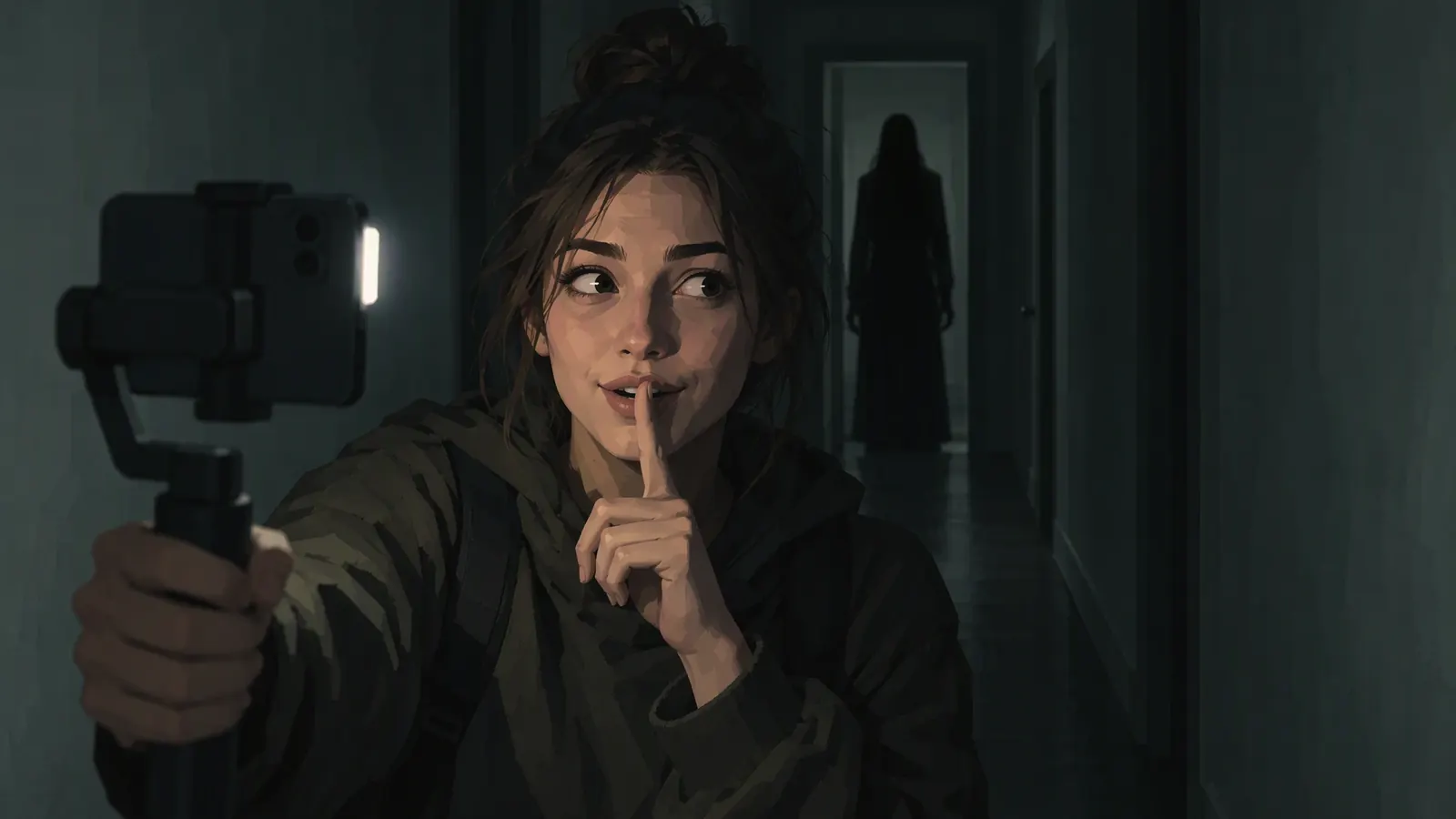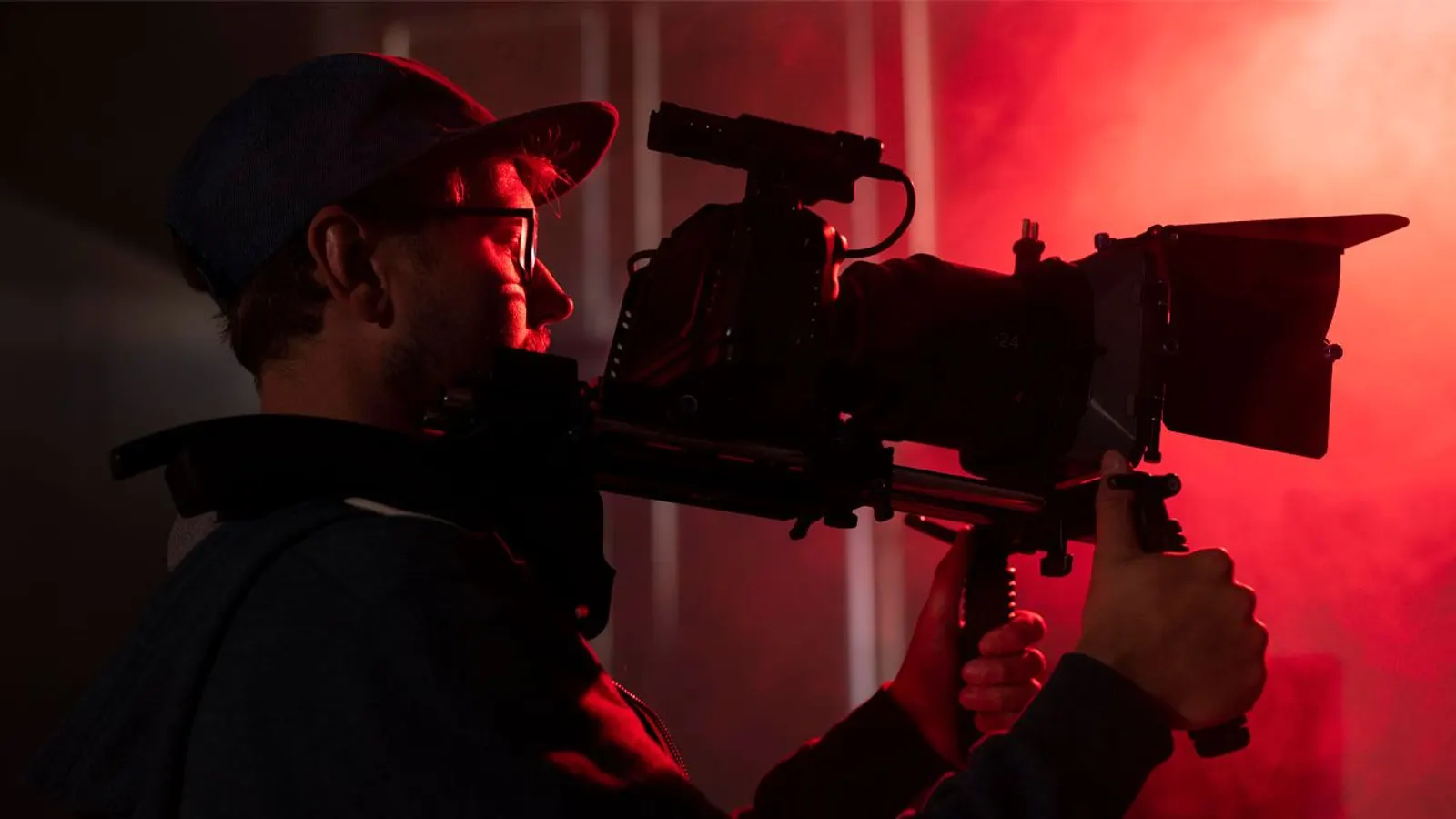
Learning how to make a scary video is mostly learning to plan. A horror short shot at night on a phone can be frightening, but only if you decide in advance what the viewer looks at, what they hear and when the floor drops out. This guide follows one short scary video from idea to upload. If your idea is a fake broadcast or an old tape, how to make analog horror covers that format in depth.
1. Start with a one-line concept
A concept that fits in one sentence keeps a short scary video tight: an ordinary place, one wrong detail and a rule the viewer learns.
- Place
- A laundromat after closing
- What is wrong
- One dryer keeps turning with its door open
- The rule
- Don’t look inside it
- Place
- A hallway with a motion-sensor light
- What is wrong
- The light switches on before anyone walks in
- The rule
- Stay where the light reaches
- Place
- A kitchen at 3 a.m.
- What is wrong
- The tap runs by itself and stops when you look
- The rule
- Never turn it off
- Place
- A car at a red light
- What is wrong
- The car behind has nobody in the driver’s seat
- The rule
- Drive on green, whatever happens
Decide the last shot first. A scary video lands on its ending, so know the final image before you film anything else.
2. Write a shot list
A shot list numbers every shot in the scary video, says what it shows and what job it does. At night, with cold hands and a draining battery, it is the difference between finishing and improvising.
- Wide. The place, empty and normal. Hold it.
- Detail. The ordinary thing that will go wrong, still behaving.
- Reaction. Your character noticing, or not noticing.
- The wrong detail. Small, in the background, easy to miss.
- The search. A held frame or slow move in which the viewer hunts for the threat.
- The payoff. The jump scare, or a quiet reveal.
- The last image. What the viewer takes to bed.
Next to each shot, note its sound: a hum, footsteps, nothing. Half of a scary video is planned in that column.
3. Light it at night
Night is where a scary video lives, and phone cameras fight the dark by raising sensitivity, which fills shadows with noise and flattens the image. Give the camera light where you want detail and true black everywhere else.
- One motivated source. A lamp, an open fridge, a phone screen, a streetlight through blinds. One source makes deep shadows; several fill them in.
- Keep black black. Don't lift the shadows in the edit to see what's there. Not seeing is the point.
- Lock focus and exposure so the image doesn't pulse when the light changes.
- A flashlight is a shot. A beam that shows one small circle at a time is a ready-made search.
- Shoot a test at dusk. Film ten seconds at the location before the real night shoot and watch it on a phone. If the darkest shot of the scary video is only noise, add a light rather than raising the exposure.
4. Frame negative space
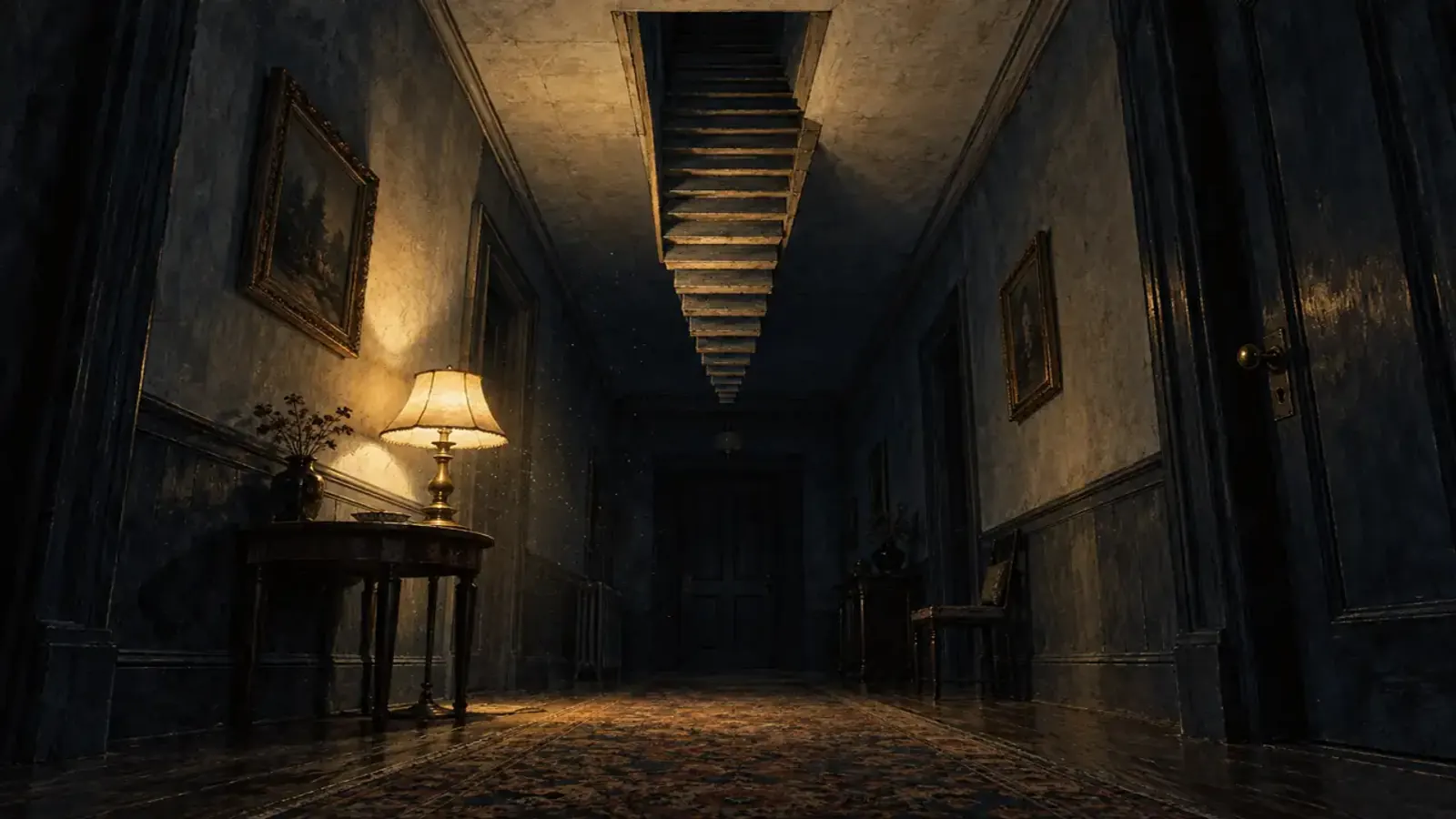
Negative space is the empty part of the frame, and in a scary video it is where the threat might be. It is also the answer to how to make a creepy video rather than a loud one.
- Put your subject off center, with the empty space behind them.
- Frame doorways and dark ends of hallways, and hold until the viewer starts searching them.
- Change one thing between takes. Shoot the same empty frame twice; in the second, a door stands a little wider. Cut between them.
5. Sound first
Plan the sound before you cut the picture. In a scary video, sound tells the viewer how to feel about what they see.
- Record room tone at every location: a stretch of the space with nobody moving. It covers cuts and becomes the silence before the scare.
- Build a bed. In the Sound effects tab of AI Scary Voice, describe your location, such as a fluorescent tube buzzing in an empty laundromat, and switch on Seamless loop. Each generation gives up to two takes and shares the 3 free generations every visitor gets each day.
- Add spot effects as separate one-shots: the dryer's clunk, the tap, the door.
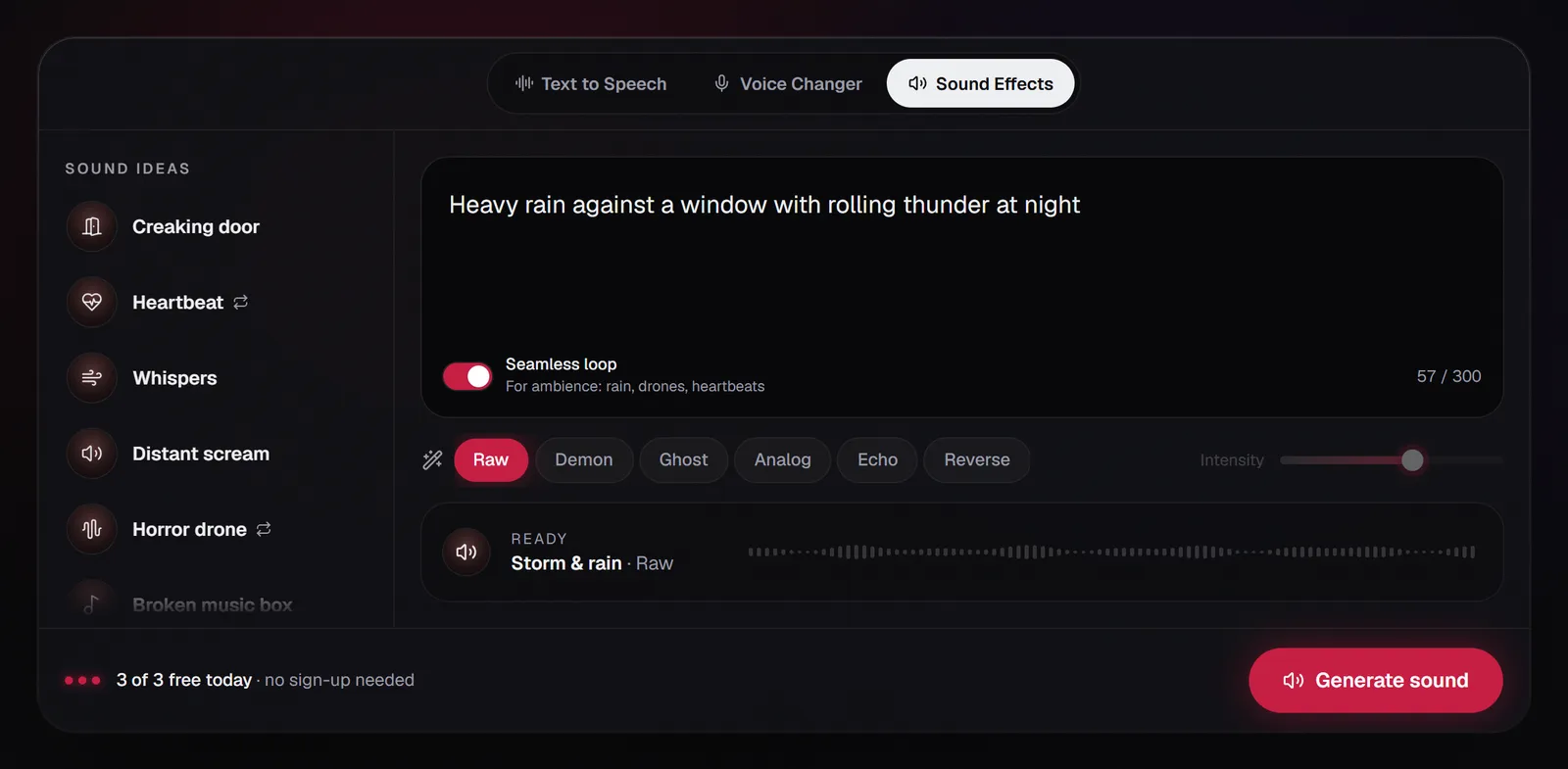
For the drones, stingers and mix behind a scary video, see horror sound design.
6. Record the voiceover
A short scary video needs either no voice or one calm one. Keep narration short and in the present tense, and let it state the rule rather than the fear.
- From text. In the Text to speech tab, pick Stranger for calm and wrong or Whisperer for a frightened narrator, type the line (up to 300 characters on the free tier, with no sign-up) and add a light effect.
- From your own voice. In the Voice changer tab, record up to 60 seconds or upload a clip of up to 3 minutes and 25 MB, choose an effect and an intensity, and download the WAV with effect from the export bar. It runs in your browser, uploads nothing and doesn't use your daily generations.
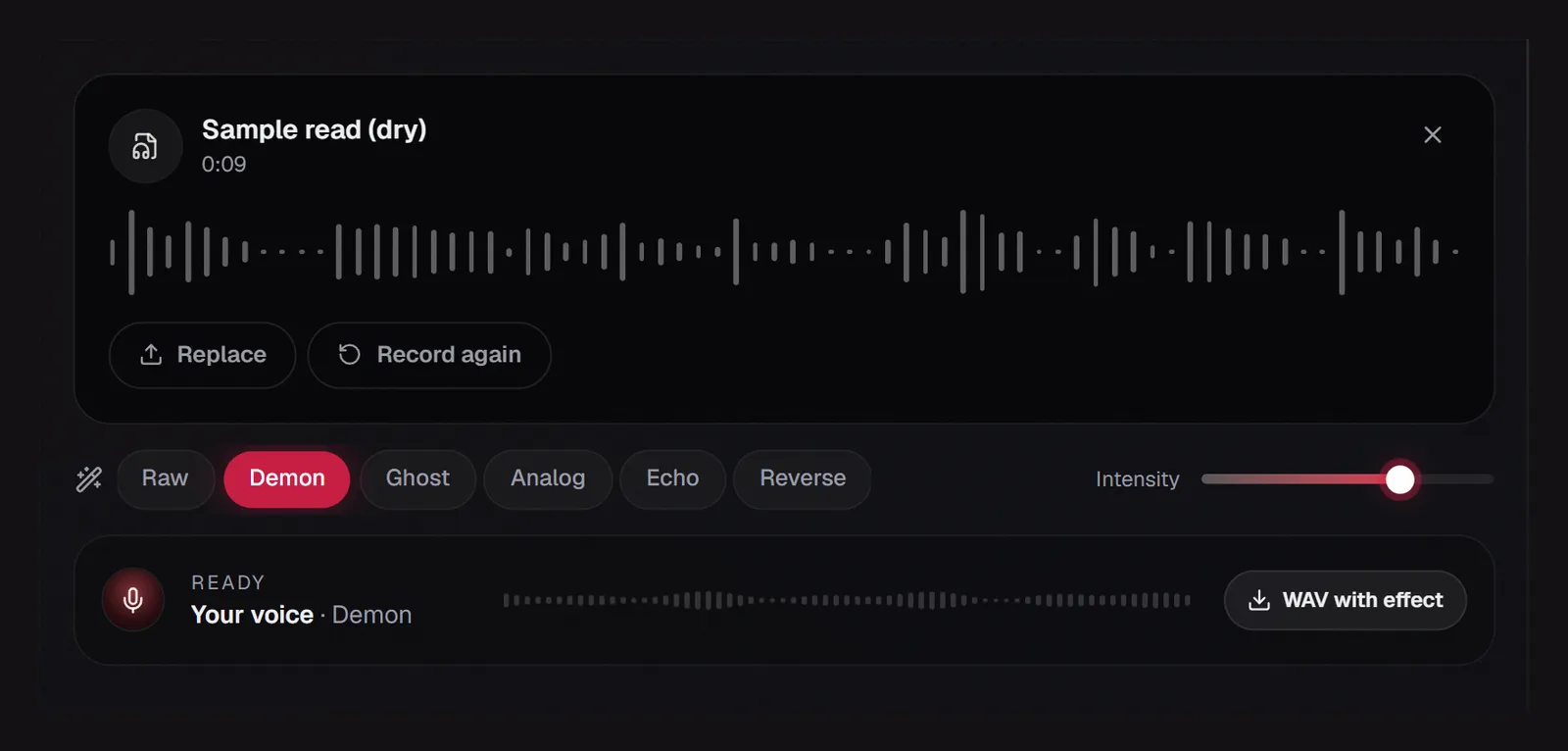
Stranger, from dry to a room away
Keep effects light under narration: in a scary video the viewer still has to catch every line. Ghost at 25% high-passes at 355 Hz and plays at 0.99×, so the words stay clear.
7. The jump scare, done right
How to make a jumpscare video that works:
- Build. A slow approach toward something the viewer can tell is wrong.
- Release. Let the tension drop: it was the cat, the door was the wind.
- Silence. Pull the bed out for a beat, leaving only room tone.
- Hit. Cut to the scare and put its sound on the same frame. A late sound reads as fake.
- Get out. Cut away or to black almost at once. A monster that lingers stops being scary.
Make the hit in the Sound effects tab, or start from the jumpscare sound effect page. One scare per short scary video is plenty; let dread carry the rest.
Two rules for any scary video. Don't strobe: WCAG's guideline is that nothing should flash more than three times in any one-second period (W3C). And put a jump scare only where viewers chose horror, flagged in the title.
How to make a scary video on CapCut
In CapCut desktop, import the clips for your scary video and drag them to the timeline. Open the Audio menu at the top, choose Sound effects in the left sidebar and browse the Horror category, then drag a sound onto the timeline under the matching shot (CapCut guide). Bring in your own bed and stinger with Import, each on its own track. Split at the playhead with Ctrl+B (Cmd+B on a Mac). The mobile app also has a sound effects library under Audio, though labels vary between versions.
8. Edit for rhythm
- Slow, then fast. Long takes while dread builds; short ones only at the payoff.
- Cut on sound. Let a sound start before its picture, a knock heard over the previous shot, so the viewer is already afraid when the image arrives.
- End early. A scary video should cut on the last image, with no explanation.
- Test it on one person. Show the rough cut of your scary video to someone who hasn't read the script, and watch where their eyes go during the search shots. If they spot the wrong detail too early, darken it or shorten the shot.
9. Caption it
Some viewers will watch your scary video on mute, so burn captions in. Keep them short, plain and clear of the app's buttons; ornate horror fonts dilute the scare. Time them to the audio actually in the scary video, since effects slow a clip slightly. Caption syncing in CapCut, step by step, is in how to get a scary voice on TikTok.
10. Publish it
- Say your scary video is fiction, and flag jump scares in the title or the first frame.
- Disclose realistic AI content. YouTube asks creators to disclose realistic content made or altered with AI, such as a realistic scene that didn't happen. In YouTube Studio this is the AI use question in the Attributes section during upload (YouTube Help).
- Stay within the terms. Audio from AI Scary Voice can go in your own scary video, including a monetized one, but not to impersonate real people or to frighten anyone who hasn't agreed to it.
FAQ
How do you make a scary video at home?
Pick one room you know well, light it with a single lamp, find one ordinary thing that could go wrong and plan six or seven shots around it. Record room tone, add a generated bed and one scare, and cut on sound. A familiar room makes a good scary video set, because you already know where its dark corners are.
How do you make a scary video on CapCut?
Put your scary video clips on the timeline, then on desktop open Audio and Sound effects and browse the Horror category, or import your own beds, voiceover and stingers as WAV files. Add captions and correct the words by hand.
How do you make a jumpscare video?
Build tension, let it drop, cut to near silence, then hit the scare and its sound on the same frame and get out fast. One scare is enough for a short scary video.
How do you make a video look creepy?
Use one light source, keep the shadows truly dark, frame your subject off center with empty space behind them, and hold shots longer than feels comfortable. Then let sound do the other half: in a scary video, viewers usually hear the threat before they see it.