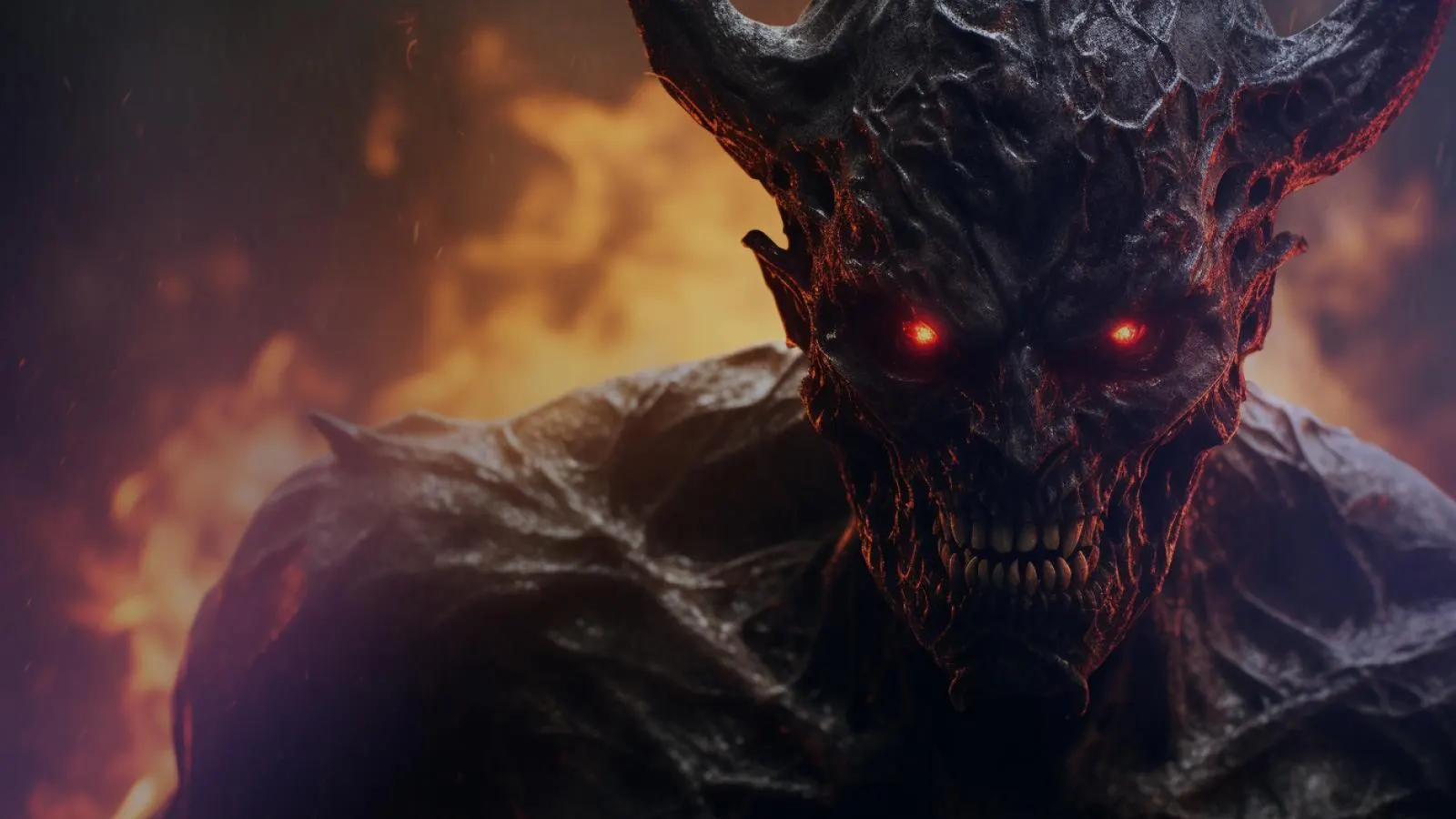
Most advice on how to make a demon voice stops at "pitch it down". That gets you a large man, not a demon. A demon voice is wrong in several ways at once: too low for a human body, too rough for how calm it is, and speaking from two throats in a room with no walls.
What makes a voice sound demonic
Pitch down. A lower voice tells the ear the speaker is bigger than a person. The Demon effect in AI Scary Voice slows playback, tape-style, so syllables stretch and the demon voice never hurries.
Low-shelf boost. A shelf at 220 Hz adds chest. Without it, a pitched-down demon voice sounds thin.
Distortion. A waveshaper adds rasp. A 5.2 kHz low-pass stops it turning into fizz.
Sub-octave double. A copy one octave lower, filtered under 900 Hz, sits under the main voice. This is the stage that makes a demon voice sound "possessed".
Dark reverb. A 2.8-second tail puts the voice in stone, and stays dark because the top end is already cut.
The Demon effect's real numbers at three settings, ready to copy into any editor:
- Stage
- Playback speed (pitch)
- Demon 30%
- 0.91×, about −1.6 semitones
- Demon 60%
- 0.82×, about −3.4 semitones
- Demon 100%
- 0.70×, about −6.2 semitones
- Stage
- Low shelf at 220 Hz
- Demon 30%
- +5.8 dB
- Demon 60%
- +7.6 dB
- Demon 100%
- +10 dB
- Stage
- Waveshaper drive (4× oversampling)
- Demon 30%
- 15
- Demon 60%
- 24
- Demon 100%
- 36
- Stage
- Low-pass
- Demon 30%
- 5.2 kHz
- Demon 60%
- 5.2 kHz
- Demon 100%
- 5.2 kHz
- Stage
- Octave-down double, level
- Demon 30%
- 0.26 (about −12 dB)
- Demon 60%
- 0.33 (about −10 dB)
- Demon 100%
- 0.43 (about −7 dB)
- Stage
- Reverb, 2.8 s tail, wet
- Demon 30%
- 0.34
- Demon 60%
- 0.43
- Demon 100%
- 0.55
Hear the demon chain build up
At 30%, Undertaker is still a man in a big room. At 60% the double appears under every vowel and the demon voice stops sounding like it breathes. At 100% the double competes with the words: right for one possessed line, too much for a speech.
The starting voice matters as much as the setting. Undertaker is the steadiest base for a demon voice: deep and grave before any processing, so the pitch drop sounds natural. Overlord brings a slower, crueller delivery that suits a final boss or trailer narration. Revenant, further down, is the mechanical option.
The online method: one chain, no editor
- Open the demon voice generator. Undertaker and the Demon effect are preselected.
- Type your line. Every visitor gets 3 free generations a day of up to 300 characters, with no sign-up.
- Generate, then move the intensity slider until the demon voice sits where you want it. Effects run in your browser, so changing them never regenerates or costs extra.
- Download the original voice as MP3 to process it yourself, or a WAV with the effect built in.
If your demon is more creature than fallen angel, the monster voice generator starts from Revenant, a grinding, mechanical voice that turns feral under the same chain:
The same chain in Audacity, DaVinci Resolve and Premiere Pro
Any of these editors can show you how to make a demon voice by hand. The names differ; the order does not. Menu and control names come from each program's official documentation: the Audacity manual, the DaVinci Resolve 18.5 Reference Manual and Adobe's Premiere audio effects library.
- Stage
- Pitch down
- Audacity
- Effect › Pitch and Tempo › Change Pitch
- DaVinci Resolve (Fairlight page)
- Inspector › Audio tab › Pitch
- Premiere Pro
- Audio Effects › Time and Pitch › Pitch Shifter
- Stage
- Low-end boost
- Audacity
- Effect › EQ and Filters › Bass and Treble
- DaVinci Resolve (Fairlight page)
- Inspector › Audio tab › Equalizer, Band 1 as Lo-Shelf
- Premiere Pro
- Audio Effects › Filter and EQ › Bass
- Stage
- Distortion
- Audacity
- Effect › Distortion and Modulation › Distortion
- DaVinci Resolve (Fairlight page)
- Effects Library › Audio FX › Fairlight FX › Distortion
- Premiere Pro
- Audio Effects › Special › Distortion
- Stage
- Darken the top
- Audacity
- Effect › EQ and Filters › Low-Pass Filter
- DaVinci Resolve (Fairlight page)
- Equalizer, Band 4 as Lo-Pass
- Premiere Pro
- Audio Effects › Filter and EQ › Lowpass
- Stage
- Octave-down copy
- Audacity
- Edit › Duplicate, then −12 semitones
- DaVinci Resolve (Fairlight page)
- Second track, Pitch at −12
- Premiere Pro
- Second track, Pitch Shifter at −12
- Stage
- Dark reverb
- Audacity
- Effect › Delay and Reverb › Reverb
- DaVinci Resolve (Fairlight page)
- Fairlight FX › Reverb
- Premiere Pro
- Audio Effects › Reverb › Studio Reverb
Demon voice in Audacity
- Select the voice and press Ctrl+D (Edit › Duplicate) to copy it to a new track.
- On the top track, Change Pitch with about −4 in Semitones; it keeps the timing, so the tracks stay aligned. For the tape-style drop instead, apply Change Speed and Pitch with a Speed Multiplier of 0.82 (Demon 60%) before step 1, because it changes the length.
- Bass and Treble: raise Bass 6 to 8 dB. The manual describes it as a low shelf around 250 Hz.
- Distortion: choose Soft Overdrive with a low Distortion amount.
- Low-Pass Filter at about 5,000 Hz.
- On the copy: Change Pitch at −12 semitones, Low-Pass Filter at 900 Hz, track gain down about 10 dB.
- Select both tracks and apply Reverb with a large Room Size, high Reverberance and Wet Gain a few dB under Dry Gain.
Demon voice in DaVinci Resolve (Fairlight)
- On the Fairlight page, copy the clip to a second track, lined up under the original.
- On the original, set Pitch in the Inspector's Audio tab to about −4 Semi Tones; it changes pitch without changing speed.
- In the Equalizer, set Band 1 to Lo-Shelf near 220 Hz with 6 to 8 dB of gain, and Band 4 to Lo-Pass near 5 kHz.
- Drag Distortion from Audio FX › Fairlight FX onto the clip. Use Distortion mode, not the more extreme Destroy, and keep the amount low.
- On the copy: Pitch at −12 Semi Tones, Band 4 Lo-Pass at 900 Hz, clip volume down about 10 dB.
- Add Reverb to both tracks with the plus button in each mixer channel strip. Use a long Reverb Time, lower Brightness so the highs die first, and start Dry/Wet near 40%.
Demon voice in Premiere Pro
Open Window › Effects, expand Audio Effects, drag each effect onto the clip and adjust it in the Effect Controls panel. (Adobe's help now calls the app Adobe Premiere.)
- Copy the clip to a second audio track, under the original.
- On the original: Pitch Shifter at −4 semi-tones; Bass with 6 to 8 dB of Boost (Adobe says it acts on 200 Hz and below); Distortion with the Positive and Negative curves bent only slightly; Lowpass near 5,000 Hz.
- On the copy: Pitch Shifter at −12 semi-tones (a Ratio of 0.5 is the same octave), Lowpass at 900 Hz, volume down about 10 dB.
- Add Studio Reverb to both: raise Room Size, push Decay toward 2,800 ms, add Damping for a darker tail, then balance Dry and Wet.
The doubling trick, on its own
If you only have time for one stage of a demon voice, make it the octave-down copy. A pitch shift alone sounds like a big person; a lower voice moving in lockstep sounds like something wearing that person.
- Keep it quiet. About 10 dB under the main voice. The Demon effect runs it from about −12 dB at 30% to about −7 dB at full.
- Filter it hard. Under 900 Hz the copy is felt more than heard. Higher, and it becomes a second speaker.
- Nudge it. Sliding the copy 10 to 30 ms late lets the two throats pull apart.
Writing lines for a demon
No effect chain rescues a demon voice reading a line that explains itself.
- Short sentences. Six to twelve words leaves the reverb room.
- No exclamation marks. A demon voice never needs to shout; the distortion supplies the anger.
- One specific detail. A chair or a porch light lands harder than "your soul".
- Open sounds. The low-pass dulls s and sh, so long vowels and m, n and l stay clear at high intensity.
Count the chairs at your table. Now count them again. One of them is mine.
You left the porch light on. I took it as an invitation.
Your grandmother made me a promise. She is not here to keep it.
Signed-in users can switch to the Cinematic engine, where tags such as [whispers] or [laughs] shape the delivery before the effect. A low laugh under Demon 60% is worth trying: a demon voice that sounds amused is worse than one that threatens.
FAQ
What is the best effect to make a voice sound demonic?
No single effect does it. A demon voice comes from an order: pitch down, the octave-down double, then distortion, a low shelf and dark reverb. If you can add only one thing to a plain pitch shift, add the double.
Can I make a demon voice for free?
Yes. AI Scary Voice gives every visitor 3 free generations a day of up to 300 characters, with no sign-up, and you can preview a demon voice on any preset for free. Audacity is free, and DaVinci Resolve has a free edition.
How many semitones down should a demon voice be?
Three to six. Much lower, and the words of a demon voice blur unless the line is very slow. Demon 60% lands at about −3.4 semitones, a safe default.
Why does my demon voice sound muddy?
A muddy demon voice usually has low end stacked twice: the shelf plus a loud octave-down copy. Lower the copy first, then the shelf, and keep the 900 Hz filter on the copy.
Can I make my own recorded voice sound like a demon here?
Yes. Open the scary voice changer, record or upload your line and pick the Demon effect: the pitch drop, the low double and the space run in your browser, and you can download the demon voice as a WAV. The editor chains above still work if you prefer your own tools.
Does this work in BandLab, CapCut or other apps?
Any editor with a pitch shifter, EQ, distortion and reverb can build a demon voice chain. Effect names vary, so check that app's help pages.