Updated Nov 5, 2026
Spooky voice generator
Halloween Voice Generator
This Halloween voice generator gives your decorated house something to say. Type a doorstep greeting, a party welcome or a line for the skeleton by the gate, keep the Banshee voice, and the Ghost effect at 60% makes it airy, hollow and slightly wrong — then download it for a speaker, a prop or a video.
Ready
Banshee · Ghost
3 of 3 free today · no sign-up needed
Script ideas
Scary voices for Halloween, spot by spot
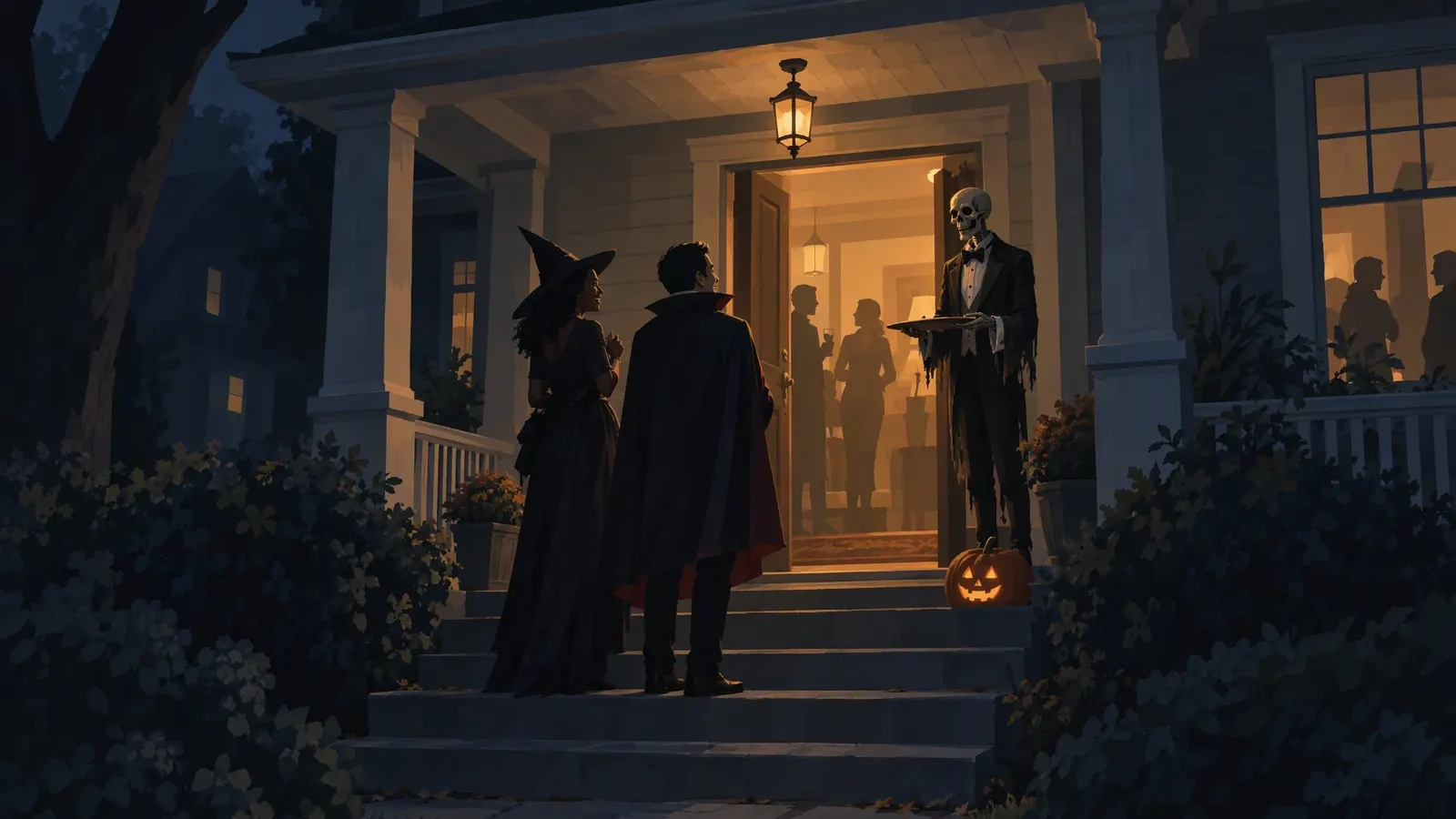
Halloween audio is for people who chose to come: trick-or-treaters on a decorated path, friends at your party. Write for them — short, playful-spooky, easy to repeat — and load any line into the Halloween voice generator.
“Ahh, a visitor. Take a treat, little one… but only one. The last child who took two is still here. He’s the skeleton by the steps. Happy Halloween!”
For the very young, stop after “only one”.
“Good evening, and welcome to the thirteenth annual gathering of the restless dead. Coats on the bed, drinks in the kitchen, and please don’t feed whatever lives in the bathtub.”
Play it by the front door as guests arrive, then switch to music.
“Shhh. You’re walking on someone. Keep to the path. Keep to the path. They don’t like to be stepped on.”
It ends on a full stop, so it loops cleanly.
“Gather round. She crossed the moor on a broom with no bristles, unseen for a hundred years. Tonight, she’s in the living room. Please welcome… our host!”
Swap “our host” for whoever is wearing the costume.
“Closer, dearie. Closer. Don’t be shy — I don’t bite. I haven’t had teeth for three hundred years.”
Short enough to fire every time a motion sensor trips. Undertaker makes a jollier skull.
“Tonight the veil is thin. The candles are lit, the porches are glowing, and every house on this street is telling a story. This one is ours.”
Lay it over the first shot of your decorations.
Effect recipe
How the Halloween ghost sound is built
This page opens the Halloween voice generator on Ghost at 60% — further gone than a storyteller, still clear from the sidewalk. It runs in your browser through the Web Audio API, and the WAV bakes in exactly what you hear. At 60%:
Banshee
- 1
Cut the boom
high-pass at 460 HzSmall porch and prop speakers can’t play deep bass anyway; without it, Banshee stays clear inside a pumpkin.
- 2
Bring a haunted hall
4.5 s reverb, ~81% wetA front yard has no walls to echo off. The long tail supplies one, so a single speaker sounds like a bigger, emptier house.
- 3
Keep the words
dry voice at 40%Enough of the original stays under the reverb for trick-or-treaters to catch what is being said.
- 4
Add a second visitor
twin at 21%, +0.2 semitonesA faint copy, 1.2% fast and 45 ms behind, as if more than one thing is answering the door.
- 5
Drag it slightly
0.976× speed, ≈ −0.4 semitonesAbout 2.4% slower and a touch lower: a cheerful greeting comes out slightly off. A 7 kHz low-pass keeps the shriek from turning harsh.
How it works
How to make a Halloween voice in three steps
- 1
Write for the spot
A porch greeting, a party intro and a yard loop each need their own line. One or two short sentences; end on a full stop so loops restart cleanly.
- 2
Pick a voice, keep Ghost on
Banshee is the Halloween voice generator’s default. Undertaker sounds like a kindly old caretaker; Revenant like a prop that started talking on its own.
- 3
Download and load the speaker
The Halloween voice generator gives you a WAV with the effect baked in or the raw MP3. Copy one to a phone, speaker or prop, and turn on repeat if it has one.
Use cases
Where a Halloween voice generator fits at home
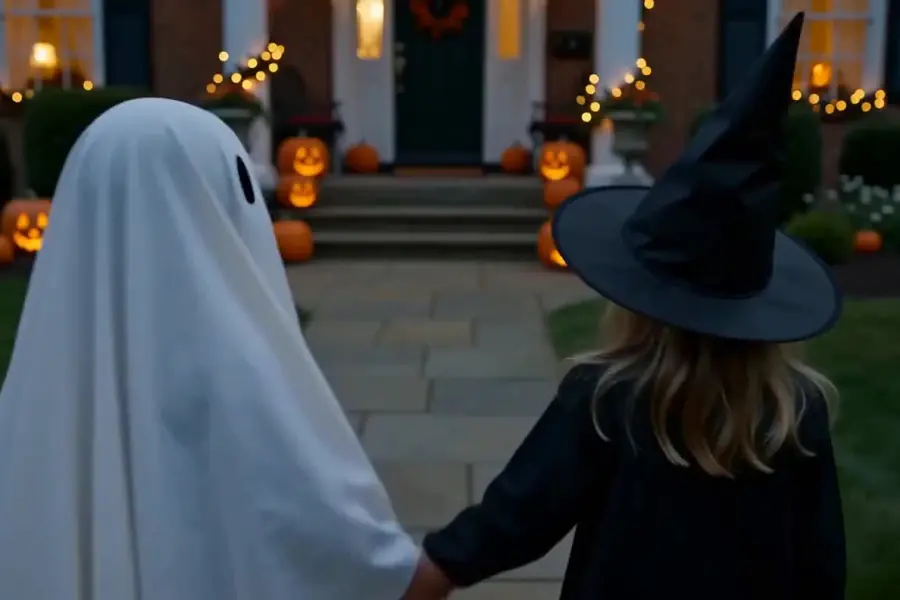
Porch greetings for trick-or-treaters
A friendly-spooky welcome by the candy bowl, part of a decorated house families walk up to on purpose. Kind enough for the smallest costumes.
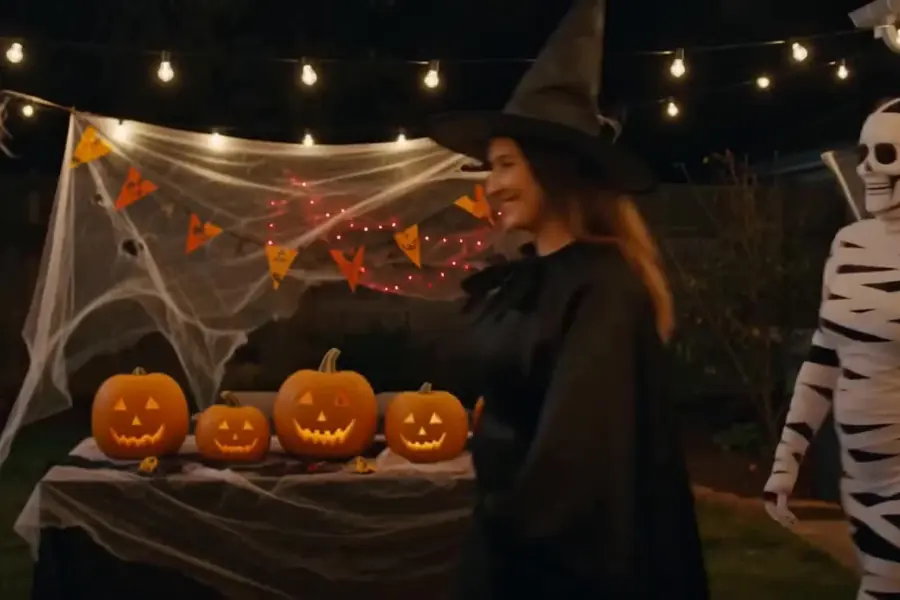
Party intros and costume reveals
Welcome guests, open the costume contest or announce the cake. Make one clip per moment in the Halloween voice generator and play it from a phone.
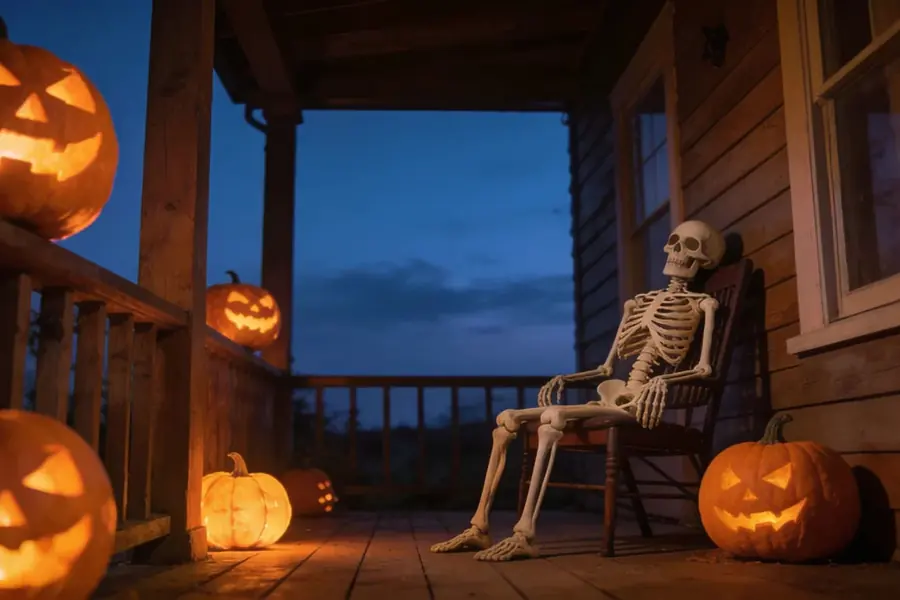
Props and animatronic speakers
Some props and motion-triggered speakers play your own files. Check the manual for the format and length they take, then load a WAV or MP3 made in the Halloween voice generator.
Haunted-yard loops and Halloween videos
A graveyard voice on repeat at the end of the drive, or a spooky opener for a decorating video.
Tips
Halloween voice effects that work outdoors
- Keep porch loops short — one 10–20 second line, then silence — so it doesn’t repeat three times while a family walks up.
- Hide the speaker low, beside its decoration — in a pumpkin, behind a tombstone — so the prop seems to speak.
- Set the volume from the sidewalk: audible at the gate, never loud enough to turn a toddler back. Start low while the youngest are out.
- Charge the speaker fully; motion-triggered playback drains batteries quickly.
- Generate a gentle backup clip in the Halloween voice generator too — a laugh, a “Happy Halloween!” — in case a little one gets frightened.
- Be a good neighbour: switch the loop off when trick-or-treating ends on your street.
FAQ
Halloween voice generator FAQ
Free Halloween voice generator for porch greetings, party intros and props: type a line, pick a spooky voice, add ghostly effects and download. No sign-up.
Keep exploring
More scary voices

Let the porch talk
Write a greeting in the Halloween voice generator, keep Banshee on Ghost at 60%, and let the house do the talking tonight.