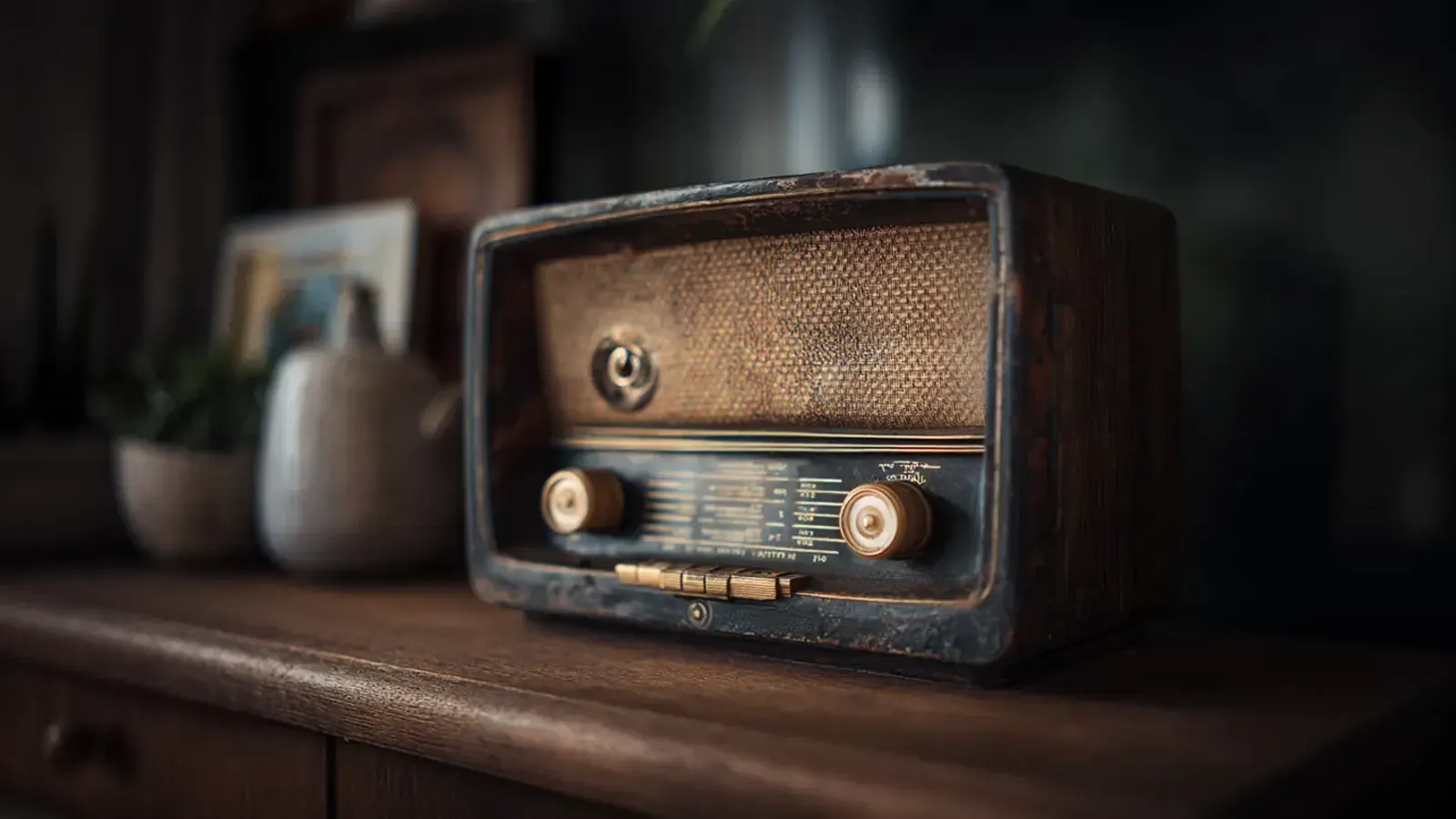
Updated Nov 6, 2026
Radio voice effect
Radio Voice Effect
This radio voice effect works on your own voice. Record a line or upload a clip, and it comes back through a small, overdriven speaker, band-limited and riding on hiss, like a walkie-talkie call or a police radio dispatch. It isn’t real time: your browser processes the clip, and you download a WAV.
Record or drop a clip to make it scary
MP3, WAV, M4A, OGG or WebM · up to 3 minutes · 25 MB
Ready
Your voice · Analog
Free · runs in your browser · nothing is uploaded
Script ideas
Radio lines to read into the mic
The radio voice effect supplies the sound; the read is still yours, and radio talk is a performance: short phrases, key words first, a sign-off. Each card gives a delivery and an Analog level; tap one, read it into the mic, play it back.
“Unit Fourteen, out at the old mill road. The gate’s chained from the inside. Going in on foot. Keep this channel open for me.”
Brisk, a fist’s width from the mic. Analog at 40% keeps a police radio voice readable.
“It’s me. Are you still at camp? Then who is standing outside my tent? Answer me. Please answer me.”
Hushed and urgent, close to the mic. The default 60% is a frightened walkie call.
“Hi, yes, long-time listener. I’m calling because last night your show read out my address, and I never sent it in.”
Nervous and a little too close. Analog at 30% sounds more phone line than walkie.
“This is the relay at Kestrel Ridge, day nineteen. The snow has stopped. The knocking has not. Do not send anyone up.”
Flat and slow, no feeling at all. Analog at 85%: a signal on its last bar.
“Barn to ride crew. Hold wagon three at the treeline. We loaded twelve guests at the gate. I count thirteen on board.”
Quick and low, like staff chatter. Analog at 70%, played from a prop radio.
“Mayday, mayday. Engine out over the reservoir. If you find the plane before you find me, don’t open the door.”
Steady, then faster. Analog at 100% for a set barely holding on.
Effect recipe
What the radio voice effect does at 60%
The radio voice effect opens on Analog at 60%. Your clip runs through this chain in your browser (the player here uses the Broadcast preset), and the WAV is rendered the same way:
Broadcast
- 1
A small speaker
528 Hz – 2.88 kHzHigh- and low-pass filters remove the chest and the air of your voice, leaving the boxy middle a handheld speaker can carry.
- 2
An overdriven mic
waveshaper drive 56Soft clipping flattens loud syllables and lifts quiet ones, like talking too close to a cheap transmitter. Room noise rises with them.
- 3
One level for everything
compressor −24 dB, 8:1Shouts and murmurs land at nearly the same loudness: the squashed sound of radio chatter.
- 4
Open-channel hiss
noise at 2.5 kHz, gain 0.030Noise runs from the first frame to the last, including 1.2 seconds after your final word, like a channel still keyed.
- 5
A hair slow, then a limiter
0.964×, about −0.6 semitonesTen seconds of speech plays for about 10.4. A −6 dB, 12:1 limiter then holds the peaks, so a shout doesn’t crack the WAV.
How it works
How to make a walkie-talkie voice effect in three steps
- 1
Record or upload
Press Record and allow the mic (takes stop at 60 seconds), or drop in an MP3, WAV, M4A, OGG or WebM clip of up to 3 minutes and 25 MB. No mic? “Try a sample” lets you hear the radio voice effect first.
- 2
Tune the radio
Analog starts at 60%. Drag toward 40% for a clear dispatcher, toward 90% for a fading handset. Raw plays your dry take, so you can compare it with the radio voice effect.
- 3
Download, then add the beep
Download the WAV with the radio voice effect baked in, add your own click in your editor and trim the hiss where the call ends.
Use cases
Where a radio voice effect fits
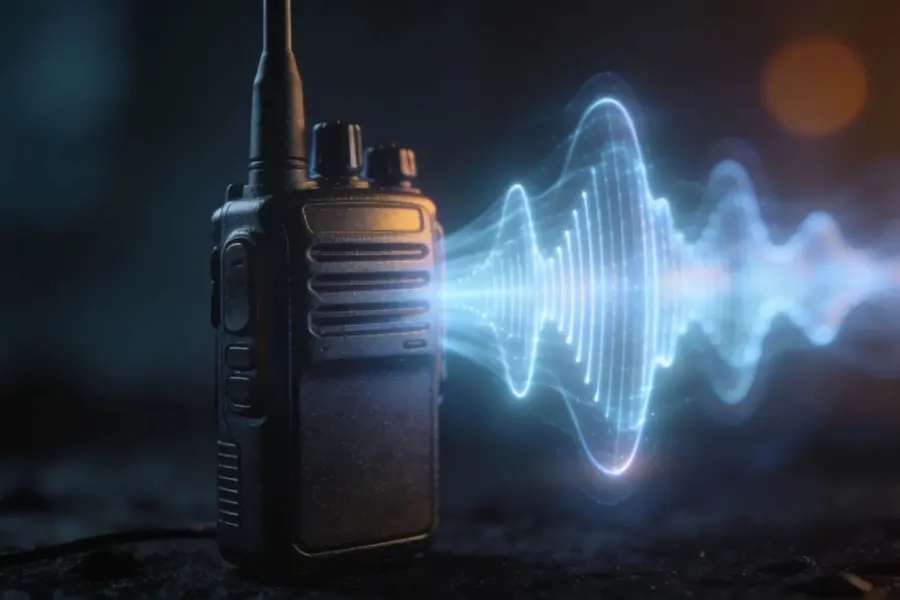
Walkie-talkie and police radio lines
Search-party handsets, a patrol car’s dispatch, your game’s squad channel. Run each actor’s take through this walkie-talkie voice changer, and invent unit names and places.
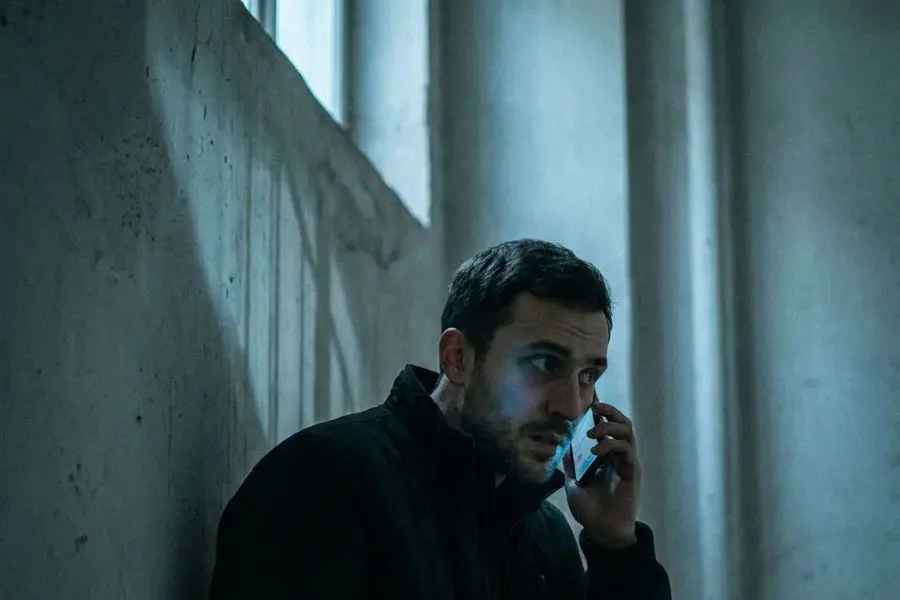
Phone calls and radio segments
A caller on your podcast, the car radio in a vlog, the far end of a phone call. Around 30% the radio voice effect reads more like a phone line than a walkie.
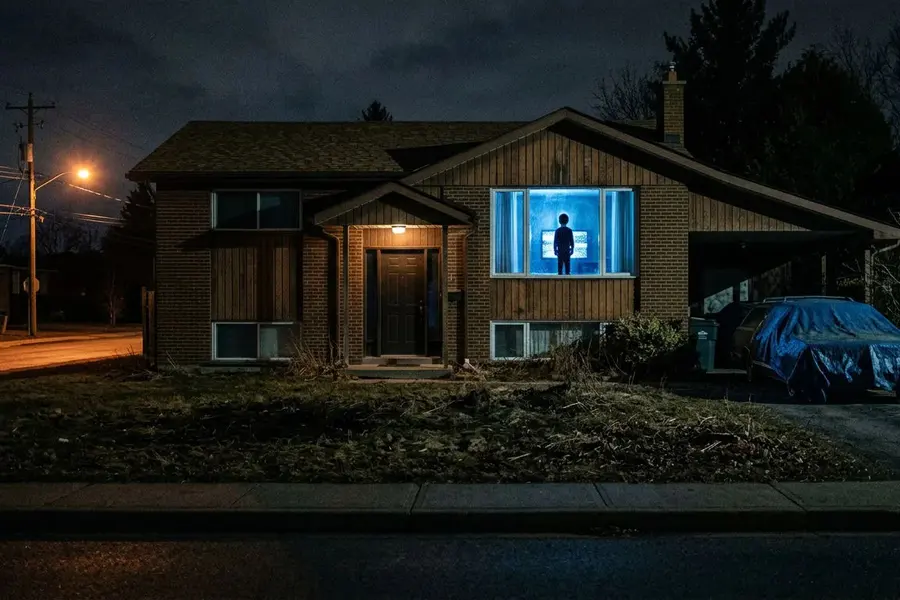
Analog horror and found footage
A relay station’s last transmission, a radio log on a recovered tape. Past 80% the radio voice effect sinks the words behind the hiss.
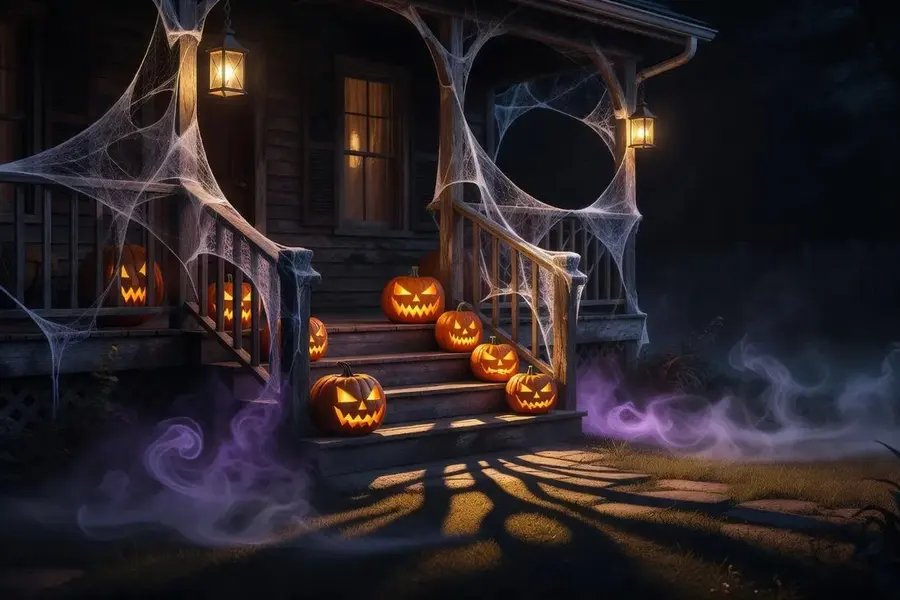
Haunted house PA and Halloween props
Hide a speaker in an old radio prop or by the gate, and loop a staff call that slowly goes wrong, recorded in your own voice.
Tips
Tips for a convincing radio take
- Talk like radio: key words first, short phrases, a sign-off. Brisk delivery sells a walkie-talkie voice effect more than any setting.
- Record somewhere quiet: the drive lifts quiet sounds, so a faint fridge hum comes through the radio.
- Keep a fist’s width from the mic, slightly off to the side; popped plosives turn into crunches once the drive hits them.
- Two-way scene? Record each side separately: about 40% in the room, 80% or more on the handset.
- For a key-up click, press a pen or a toy walkie’s button near the mic, or make a short static burst in the Sound effects tab.
FAQ
Radio voice effect FAQ
Free radio voice effect online: record or upload your voice and hear it as a walkie-talkie or police radio call, hiss and all. Runs in your browser; WAV out.
Keep exploring
More scary voices
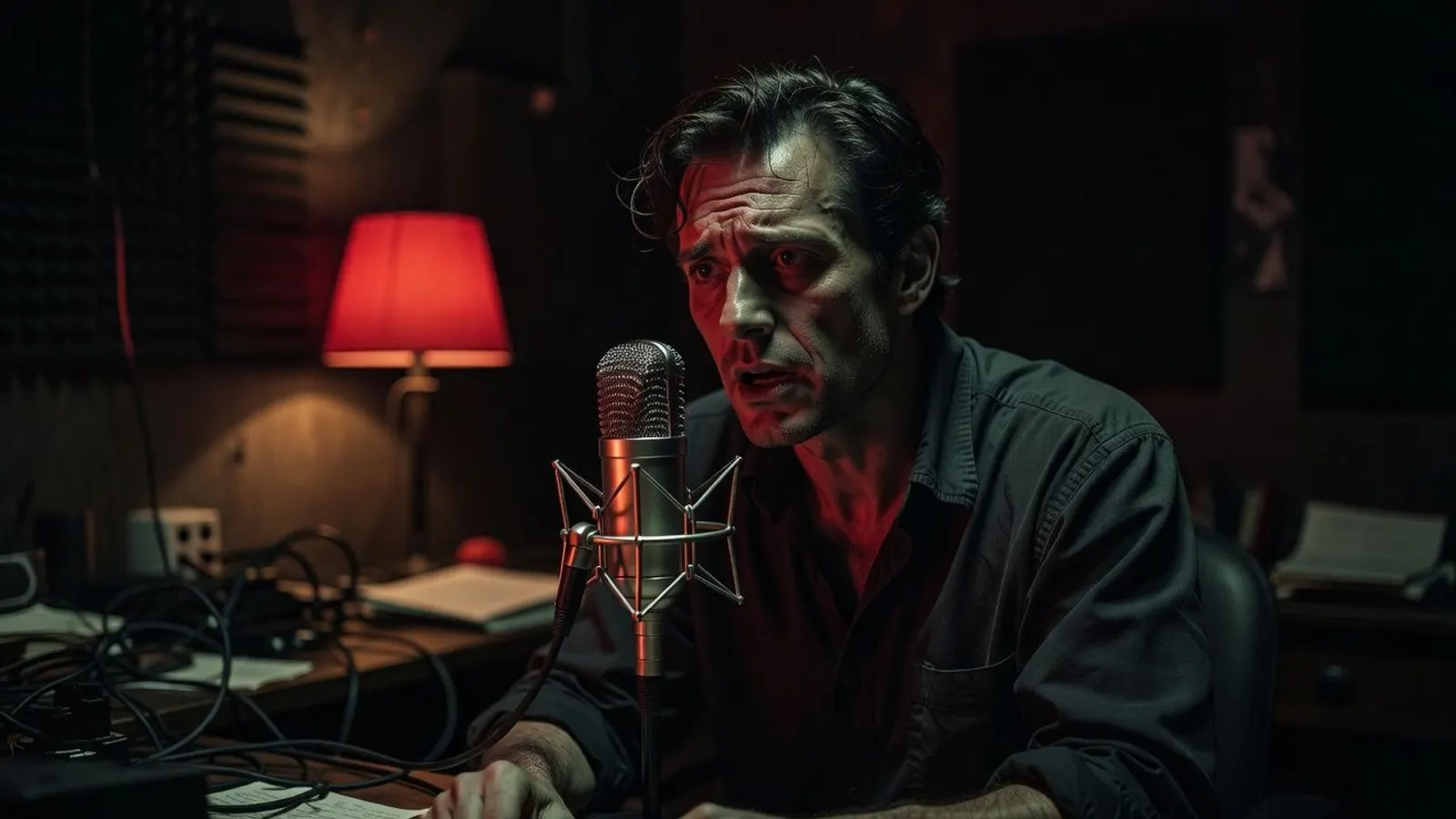
Key the mic
Record one line, hear it through Analog at 60%, then try 40% and 90% on the same take.