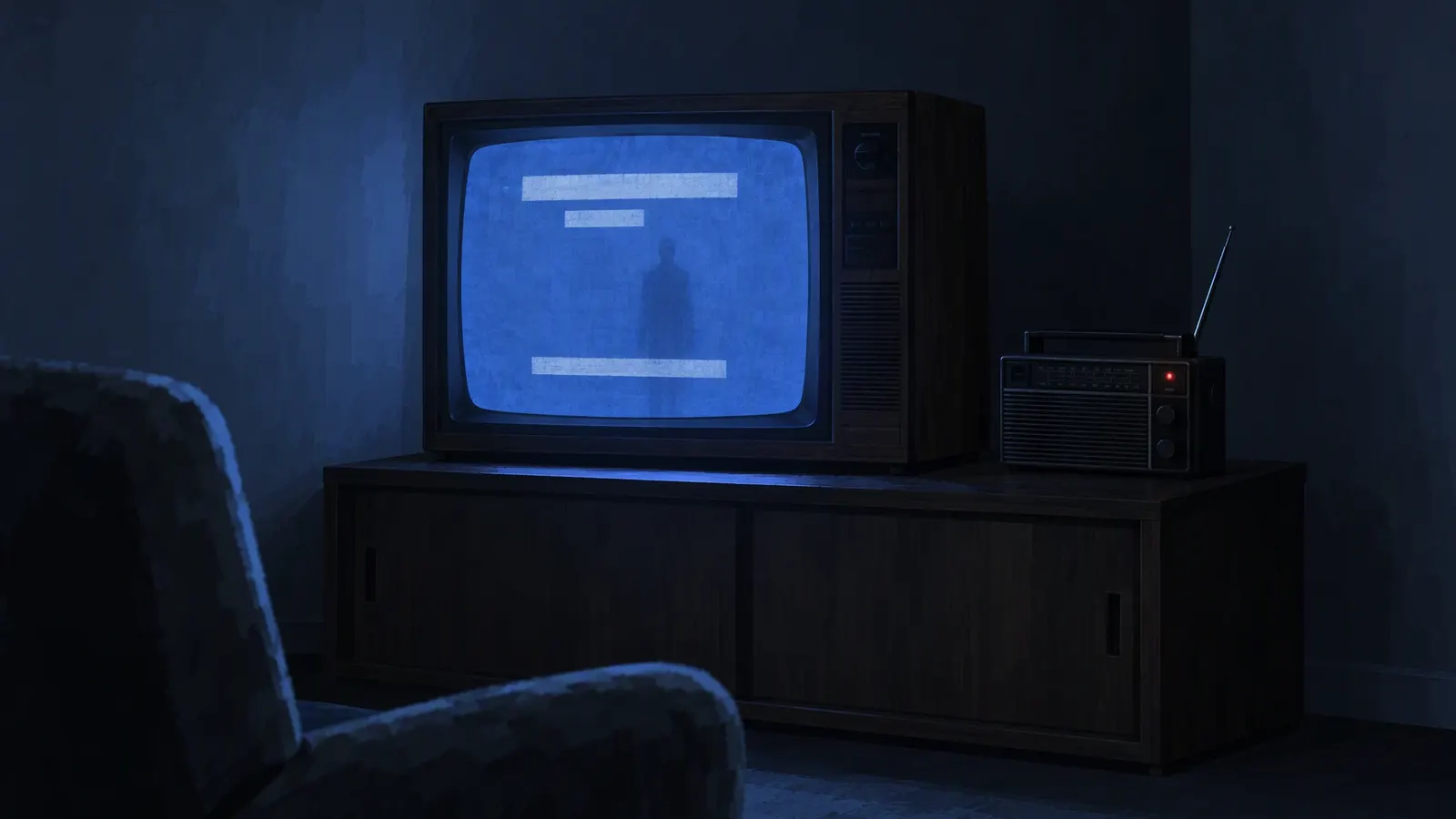
If you want to learn how to make an analog horror voice, first forget what makes a voice scary everywhere else. No growl, no cathedral reverb, no screaming. An analog horror voice is frightening because it is calm when it should not be, and because it reaches you through equipment that is quietly failing.
What the analog horror sound is
Flat delivery. An analog horror voice reads evacuation routes and a description of something with too many teeth at the same steady pace. No emphasis, no fear, no warmth.
An institutional script. The voice speaks for something: a department, a station, a training program, a children's show. It is polite, procedural and never explains why.
A band-limited signal. Old television speakers, worn VHS tape and broadcast chains strip away the deep lows and the bright highs. What survives is the narrow midrange where speech lives, and nothing else.
Hiss and heavy compression. Tape noise sits under everything. Hard compression makes quiet and loud words the same level, so breaths and noise rise up in the gaps.
Why text to speech? Creators often reach for deliberately robotic or old-style TTS on purpose. A machine cannot sound frightened, so it reads frightening things with the wrong feeling, and that mismatch is the uncanny part. There is no single analog horror TTS; any voice that is clear, steady and slightly too even becomes an analog horror voice once it goes through the broadcast chain.
Building it with Broadcast and Analog
The Broadcast voice in AI Scary Voice was made as an analog horror voice: a flat, distorted narrator with no feelings left to hide. The Analog effect then pushes it through a failing signal. These are its real settings at three intensities:
- Stage
- High-pass, cuts lows below
- Analog 30%
- 474 Hz
- Analog 60%
- 528 Hz
- Analog 90%
- 582 Hz
- Stage
- Low-pass, cuts highs above
- Analog 30%
- 3,240 Hz
- Analog 60%
- 2,880 Hz
- Analog 90%
- 2,520 Hz
- Stage
- Waveshaper drive
- Analog 30%
- 38
- Analog 60%
- 56
- Analog 90%
- 74
- Stage
- Compressor
- Analog 30%
- −24 dB threshold, 8:1
- Analog 60%
- −24 dB threshold, 8:1
- Analog 90%
- −24 dB threshold, 8:1
- Stage
- Hiss bed, band-passed at 2.5 kHz
- Analog 30%
- 0.021 (about −34 dB)
- Analog 60%
- 0.030 (about −30 dB)
- Analog 90%
- 0.039 (about −28 dB)
- Stage
- Playback speed
- Analog 30%
- 0.982×, about −0.3 semitones
- Analog 60%
- 0.964×, about −0.6 semitones
- Analog 90%
- 0.946×, about −1 semitone
From a clean read to a failing signal
At 30% it is a public service announcement on a cheap speaker. At 60% the tape has been copied one time too many. At 90% the band is barely wider than a telephone line, the grit sits on every consonant, and the slight slowdown makes the voice sag like a tape running slow. The words still come through, which matters: an analog horror voice has to be understood.
Two other presets make a good analog horror voice under the same effect. Stranger, calm and unsettling, suits the caller who phones into the broadcast. Matron, soft and cold, suits a children's program host whose warmth is slightly wrong. Previews are free, so audition Analog on each before you write.
Writing the script
Most of an analog horror voice is the writing. A few patterns carry the genre:
- Speak for an institution. Invent the department, the station or the program. Give it a dull name and a calm procedure.
- Use rules lists. Numbered instructions give the narrator a reason to sound flat. Let one rule contradict another, or quietly go missing.
- Keep the PSA tone. Reassure while describing something terrible. "There is no cause for alarm" works best right after a cause for alarm.
- Use numbers. Times, channel numbers, head counts. Write them the way you want them read; "three a.m." reads differently from a string of digits.
- Get one detail wrong. A date that does not exist, a sign-off that keeps going, a street name the listener recognises.
- Stop early. Short sentences, and full stops where you want silence.
Two examples to load into the studio:
This is a recorded message for residents of the Halvard district. Remain indoors after sunset. Do not open the door for family members. All family members have been accounted for. This message will repeat.
Rule one. The hallway light stays on. Rule two. If the hallway is longer than it was yesterday, do not measure it. Rule three has been removed for your safety.
Each free generation holds up to 300 characters, and signed-in users can go up to 2,000, so one segment per clip is a natural unit. Skip emotion tags here; an analog horror voice gets its power from flatness.
Mixing it for video
- Bake or build. Download the WAV with Analog built in to drop straight onto the timeline, or the raw MP3 if you want to degrade the analog horror voice in your editor alongside the picture.
- Run the hiss under everything. Lay a continuous noise bed under the whole video, not only under the narration. The noise should not stop when the narrator does.
- Add tape warble sparingly. A very slow, very shallow pitch wobble, from any vibrato or modulation effect, sells a worn tape. Too much and it starts to sound like a music effect.
- Fill dead air with room tone. A steady low hum under silent title cards keeps the dead air alive. Mains hum sits at 50 or 60 Hz, depending on the country.
- Leave silence. The pause after the last line, with only hiss left, is often the scariest moment in the video.
- Match the picture. If your footage is crisp, pull Analog back. An analog horror voice more degraded than the image sounds pasted on.
- Check it on small speakers. Play the mix through a phone or laptop speaker before you export. An analog horror voice is built to survive a cheap speaker, so if a word disappears there, slow or rewrite the line rather than raising the volume.
- Caption it. Captions help anyone watching without sound, and on-screen text is part of the analog horror look anyway.
For how the other effects compare, see scary voice effects, explained.
Keep it fictional
Analog horror borrows the look and sound of public warnings, so draw a clear line between fiction and the real thing:
- Invent agencies, places and station names. Do not use real ones.
- Never use real emergency alert tones or imitate real alerts. In the US, FCC rules (47 CFR § 11.45) prohibit transmitting EAS codes or the Attention Signal, or a recording or simulation of them, outside real emergencies and authorised tests.
- Label the video as fiction, and never send a clip to someone as if it were a real warning. AI Scary Voice's terms do not allow using generated audio to frighten people who have not agreed to it.
For a fictional emergency-broadcast narrator, the emergency alert voice generator starts from the same voice and effect.
FAQ
What text to speech is used in analog horror?
No single engine. Creators often use deliberately robotic or old-style synthetic voices because they sound wrong on purpose; others start from a modern TTS voice and degrade it. What makes an analog horror voice is a flat, steady read pushed through a narrow, noisy signal.
Is there a free analog horror TTS?
Yes. AI Scary Voice gives every visitor 3 free generations a day of up to 300 characters, with no sign-up, so a short analog horror voice clip costs nothing. The Broadcast voice with the Analog effect can also be previewed for free at any time.
How do I make a voice sound like an old TV or VHS tape?
Cut the lows below about 500 Hz and the highs above about 3 kHz, add a little distortion, compress hard and lay hiss underneath. The Analog effect does exactly that, with the numbers listed above.
What is the difference between an analog horror narrator and an emergency alert voice?
They share a sound. The difference is the script: an emergency alert is short, urgent and instructional, while an analog horror voice also hosts programs, training tapes and announcements that drift somewhere wrong.
Can I use my own voice?
Yes. Record a flat, unemotional read in the scary voice changer and pick the Analog effect: it turns your read into an analog horror voice with the same narrow band, clipping and hiss, right in your browser. You can also rebuild the chain in your editor with a high-pass, a low-pass, compression and hiss.
How long should each narration clip be?
One segment per clip works well: a rule, a notice, one announcement. Short clips are also easier to time against picture and to replace when the script changes.